

Get Paid: A Freelance Writer's Guide to Invoicing
When you work as a freelancer, it might take a while for you to get used to the throughout of having to handle your own invoices and chase up payments if they don’t come on time. Here are some tips.
This is one of the things I hate most about being a freelance writer. It took me a while to get used to the thought of handling my own invoices and chasing up payments if they don’t come on time. It’s not as hard as it sounds, though. Here’s my quick guide to help you out.

What needs to be on an invoice?
If you have never made your own invoice before, you’re forgiven for thinking that you simply write down the price for the work and the clients details. It's not that easy!
Here are all the elements that need to be added on to the invoice to make sure you get paid:
The clients order number if they have purchased a physical product
The name of the project or product which was purchased by the client
Details about the work completed, including hours worked, if needed
The total sum which needs to be paid to you by the client
Your payment terms- add a payment deadline
You bank details or Paypal info so that they can transfer you the money over
Your client's name and address
Your name and address
Invoice number and date
Registered business number and address
Contact information
How to create an invoice
Now that you know what should be on an invoice, how do you wrap it up into a professional looking package that screams ‘pay me’? You can use an automated invoicing system like chaserhq.com or PayPal’s invoicing system to make sending out invoices and receiving payments easier.
I like to use PayPal’s invoice system when my clients agree to pay me through PayPal, but for checks or direct deposits, I use an invoice template I created in Word. You can use my template. Here’s the download. (If you’d like more templates like this to make your job as a freelancer easier, be sure to check out my No-Fluff Freelance Writing Starter Pack.)
How to chase up your invoice
When it comes to chasing up the payment of your invoices you might feel a little uncomfortable. Don’t worry, it is totally normal for you to feel a little weird about demanding money from your client, but just bear in mind that you need the money to finance your business and your life. Plus, you did the damn work, so you deserve it!
If you have several freelance jobs going on at once, it would be helpful for you to create a calendar with reminders on when certain payments are due. (I use Google Calendar.) If the due date comes and the invoice has not been paid, you will need to contact your customer to find out what is going on.
It could be that they simply forgot, or they have another reason for not paying you. Send a gentle reminder and a copy of the invoice in an email.
If they ignore you, I've found that sometimes it helps to send a notice to a client's boss in the company to get things moving. For example, if you usually send your invoice to your editor, contact HR or the editor’s boss.
What to do when a client won’t pay
If they refuse to pay, there are several things you can do. Pick the option that feels right to you:
You can get the law involved since you sent them an invoice with a payment agreement on it. Send them a certified letter stating that you intend to take them to small claims court if they don't pay by a certain day. Typically, clients will get scared into action.
You can open a payment dispute with PayPal if you sent the invoice through their services. All you need for proof is a screenshot of the email you used to send the finished article, blog post or whatever. A screenshot of the finished work on your client’s website and a copy of your contract are also good things to send over to PayPal as proof of services rendered.
Use the non-payment as a tax write-off. Be sure to contact your tax professional for more information on this option.
For more advice, here’s my guide to dealing with clients.

5 Types of Files and Extensions and How to Use Them
If you’re going to be a writer, you need to know about different file types. Enjoy this guest article!
Guest post by Emily Lamp
Note from Alina: If you’re going to be a writer, you need to know about different file types. Enjoy this guest article!
There are different types of file formats used by a computer, with each file type designed to support certain forms of content. The most common file types include program, scripts, images and web pages.
Filename extensions are often noted in parentheses if they are different from the file format abbreviation or name. Keeping this in mind, here are five file types and extensions and how to use them on your website.
1. JPG
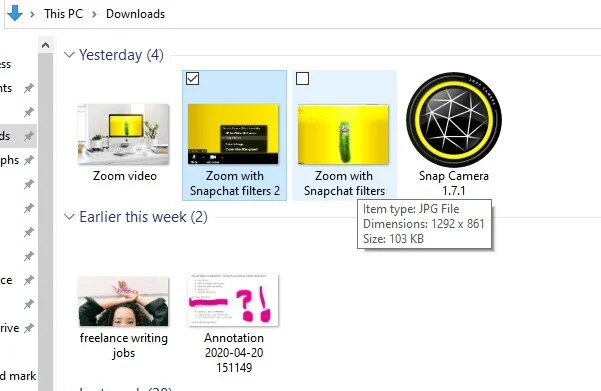
Also known as JPEG, Joint Photographic Experts Group (JPG) is a method of lossy compression often used for digital images, especially for images produced by digital photography. You can adjust the degree of compression, which allows a selectable tradeoff between image quality and storage size. JPG files are easy to upload, making them suitable for use on the web.
2. ASPX file
Aspx file extension is an ASPX (Active Server Page Extended) file, a webpage that's generated by web servers designed to run the Microsoft ASP.NET framework. An ASPX file contains one or more scripts that are written in C# code or VBScript, which is processed by a web server into HTML (Hypertext Markup Language). This is then sent to your web browser.
You can convert ASPX page to PDF using Itextsharp. Itextsharp is a tool used to create reports and documents based on data from XML files or databases and split or merge pages from Portable Document Format files (PDF).
3. PDF
Commonly used for printing purposes and online documents, PDF was developed in the '90s by Adobe to achieve two main things. The first being to allow users to open their documents on documents on any web browser, operating system, application and device without needing the application used to create them - you only need a PDF reader. The second reason is that when you open a PDF file, the layout of your document will look the same. The reliability of PDFs allow you to create long documents, then share them with other people without losing the original design. Portable Document Format files can contain forms, interactive buttons, video, hyperlinks, embedded fonts, images and text.
4. PNG
Developed as an improved and non-patented replacement for GIF (Graphics Interchange Format), PNG (Portable Network Graphics) is a bitmap image or raster graphics file-format designed for the web to support lossless data compression. Unlike GIF, Portable Network Graphics use better image compression technology, allowing for smaller files that can download more swiftly. PNG images also allow you to achieve full alpha channel transparency, allowing you to easily move images from a background and place it on another.
5. MP4
MP4 or MPEG-4 Part 14 is a multimedia container format used to store audio and video. An MP4 file can also contain PDF, metadata and XMP (Extensible Meta Data Platform), including PDF, subtitles, images based on PNG or JPEG and more. Support for metadata means you can integrate the file with user navigation options, 3D graphics or menus and other user interaction features. Its compression format makes the file small and lightweight, making it easy to upload your website. MP4 can be used on many platforms as it's supported by all media players. This makes it easier to use or distribute. It's ideal for those who want to save high definition audio-video files on their website.
Final Words
File formats and extensions are important as they allow you to identify the nature of contents in a file. File extensions tell your computer how it will handle a file by following a convention that the application's developer laid down.
About the Author
Emily Lamp is a professional writer, working closely with many aspiring thinkers and entrepreneurs from various companies. She is also interested in technology, business growth and self-improvement.

The No-Fluff Guide to Creating a Home Office
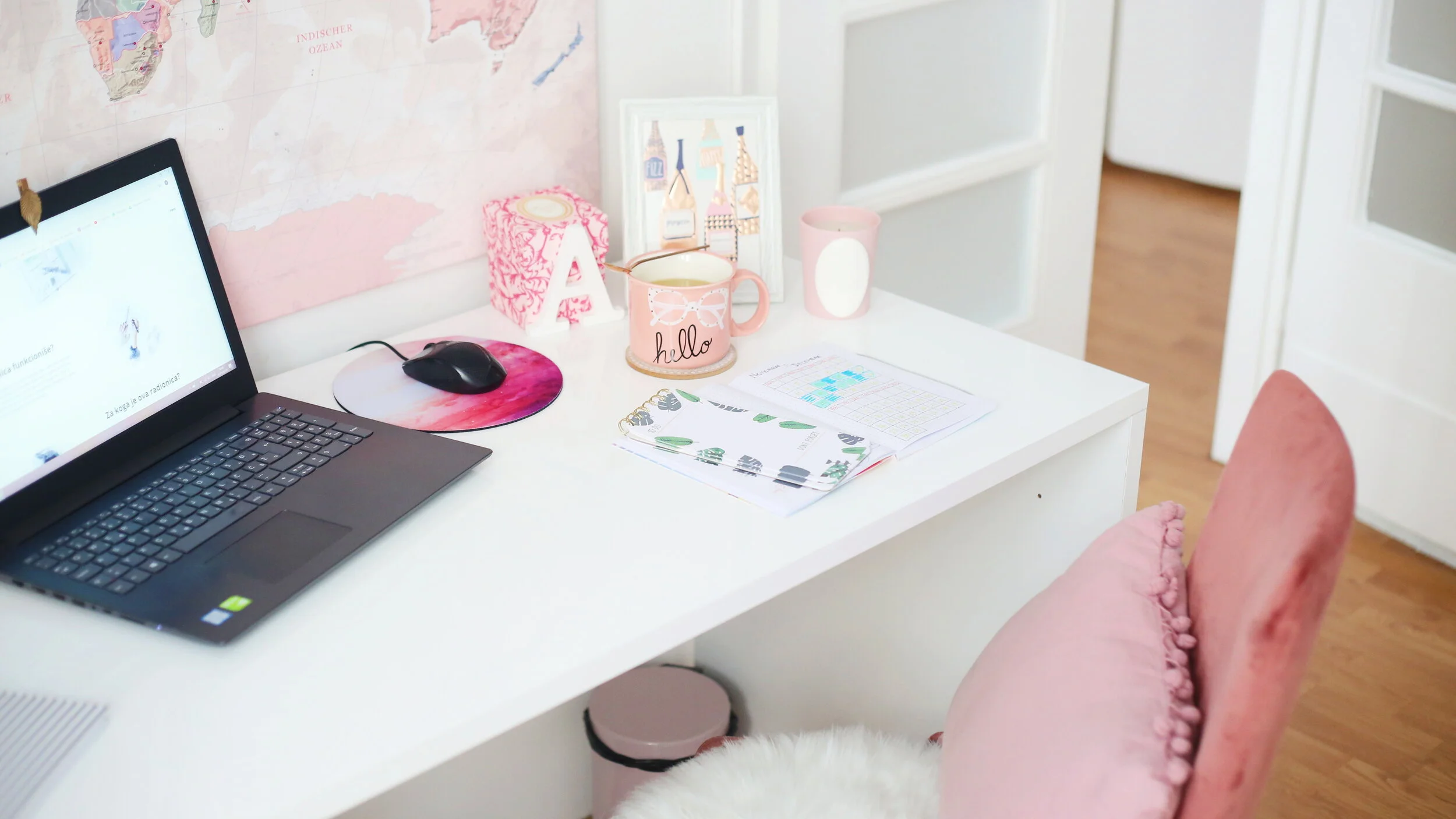
f you’re just starting out at working from home, or you just need some tips on how to make things run smoother, here’s how to set up a home office that will fit your needs perfectly. Plus, I’m serving up tons of photos of home offices for inspiration.
Freelancers have the most freedom when it comes to deciding what their work environment should be. No one is going to come by and tell them to take down whatever pictures they want to put up. It is their home after all.

One of the disadvantages of this, though, is that the freelancer has to procure all of their own office supplies. There is not a cupboard at the end of the hall that has everything that you could ever need. If you want it, you have to get it yourself. You also have to figure out how to decorate.
If you’re just starting out at working from home, or you just need some tips on how to make things run smoother, here’s how to set up a home office that will fit your needs perfectly. Plus, I’m serving up tons of photos of home offices for inspiration. If you need more ideas, check out this Pinterest board.
Make your work area separate

Working as a freelance writer can be psychologically odd. When you have a nine to five job, you get up in the morning, get washed and dressed and commute to work. When you arrive at the office, you are subconsciously aware that you should now be working. Your brain will start perceiving things differently, concentrating and responding in different ways. If you're good at your job, this change will be advantageous and will allow you to prosper.
home office you love
With freelancers, they get up, get washed and dressed (don’t let anyone tell you otherwise!) and then go into the room where they work. They are still at home, the place where they relax, so getting into the mindset for work is sometimes more of a conscious process. This can be difficult sometimes. One way of dealing is separating your home into zones where you work and zones where you relax.

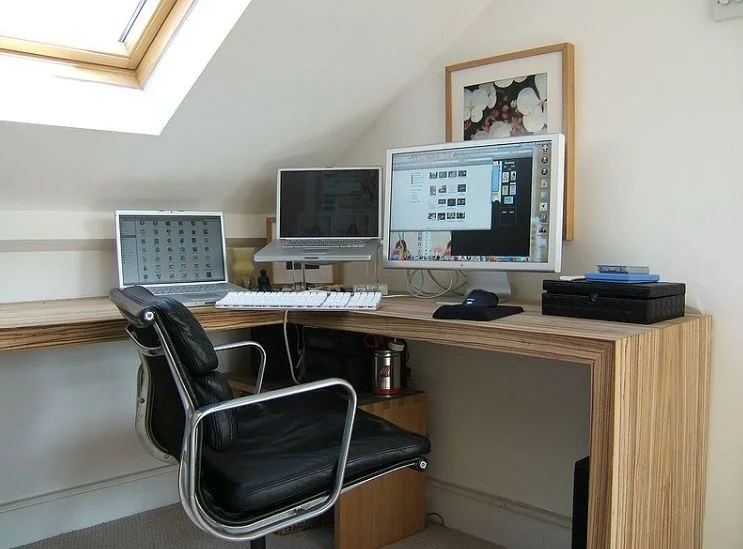
This means you need a dedicated area just for your home office. Ideally, this would be a room, but you can get away with setting up an office in a corner of your living room. I had a home office in my dining room for years. Just be sure that you don’t use the kitchen table as your desk. That’s a prescription for disaster. Eventually someone will spill something on important papers or your laptop.

Adjustable Desk
My first recommendation on what to buy for your office is an adjustable desk. With an adjustable desk, you will be able to raise and lower the height of your workspace and you can decide whether you work standing up or sitting down in your chair.
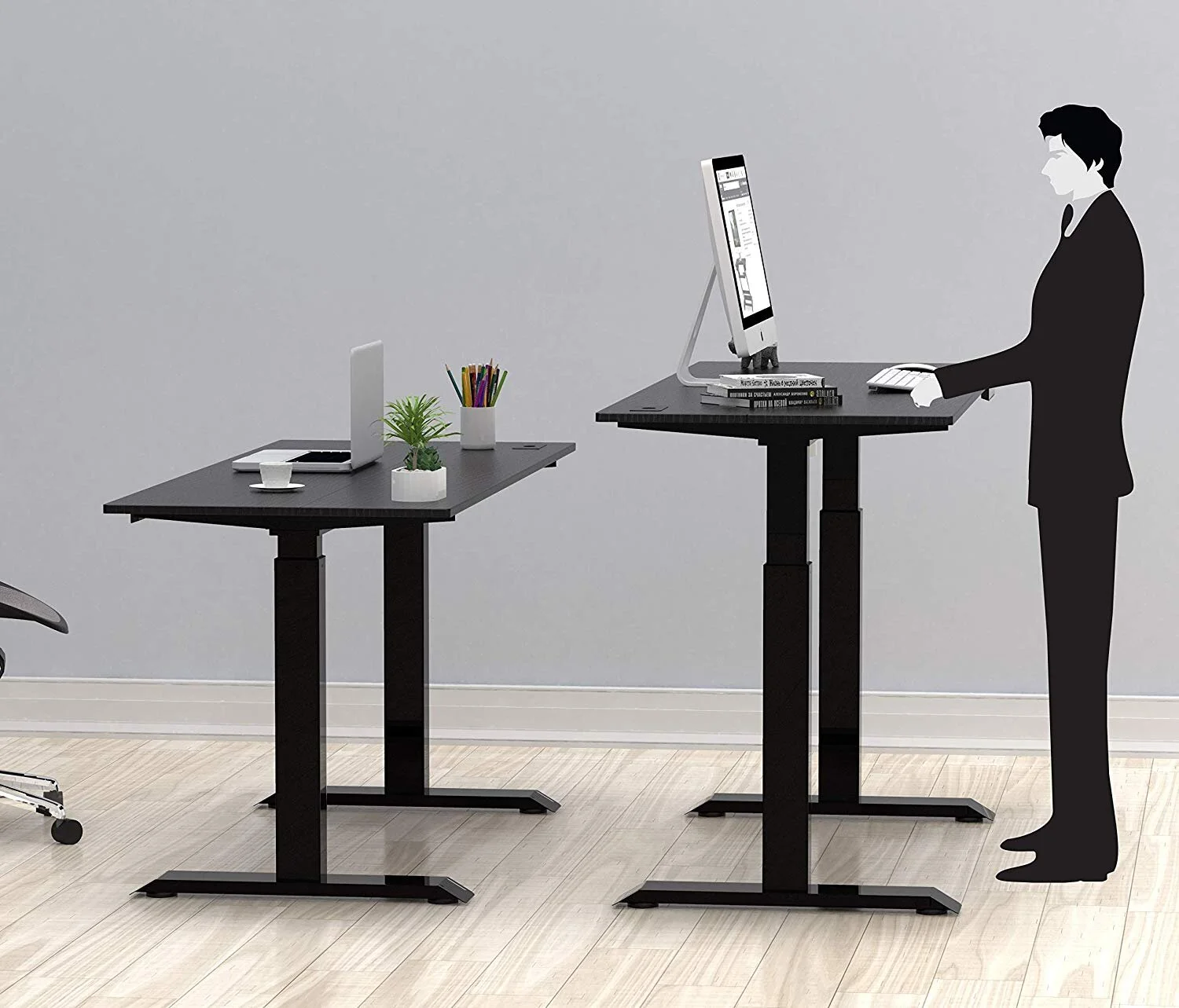
Research has shown that sitting down for long periods can actually be bad for you, according to the Mayo Clinic. So, by standing up every so often and still being able to type can make your day a lot better for your health.
I have a full standing desk, like this Halter model, but there are units you can buy that fits on top of a normal desk and will just raise your laptop or keyboard. These are less expensive than buying a whole standing desk and is a great way to upgrade an old desk you found at a thrift store. For example, the SHW Height Adjustable Sit to Standing Desk Converter Riser Workstation is under $90 and the Wallniture Updesk Wood Height Adjustable Monitor Stand Riser is under $40.
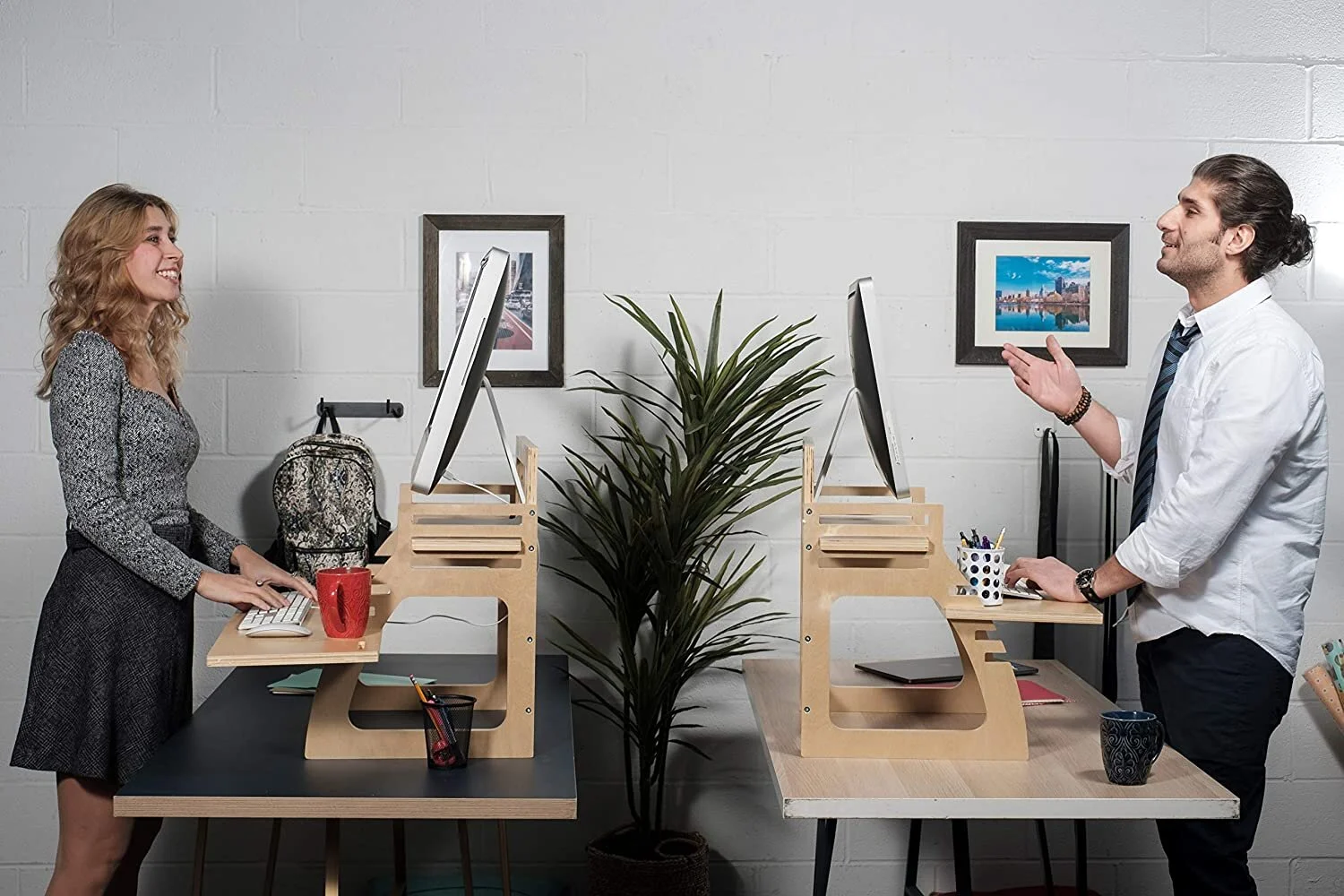
Heighten Your Comfort
Bending your neck to look at a screen can give you neck pain or really hurt your back. The solution is to boost your screen so that it is right in front of your face.
Here’s an example of a homemade screen booster made from scrap wood.

The problem with this type of booster is that it makes the keyboard high, too, which can be misery on your wrists. The photo below is a better option. It puts the laptop keyboard at an angle so your wrists don’t hurt. I personally use this type of setup. You can get an inexpensive AmazonBasics stand to get started and then move on to something fancier later.

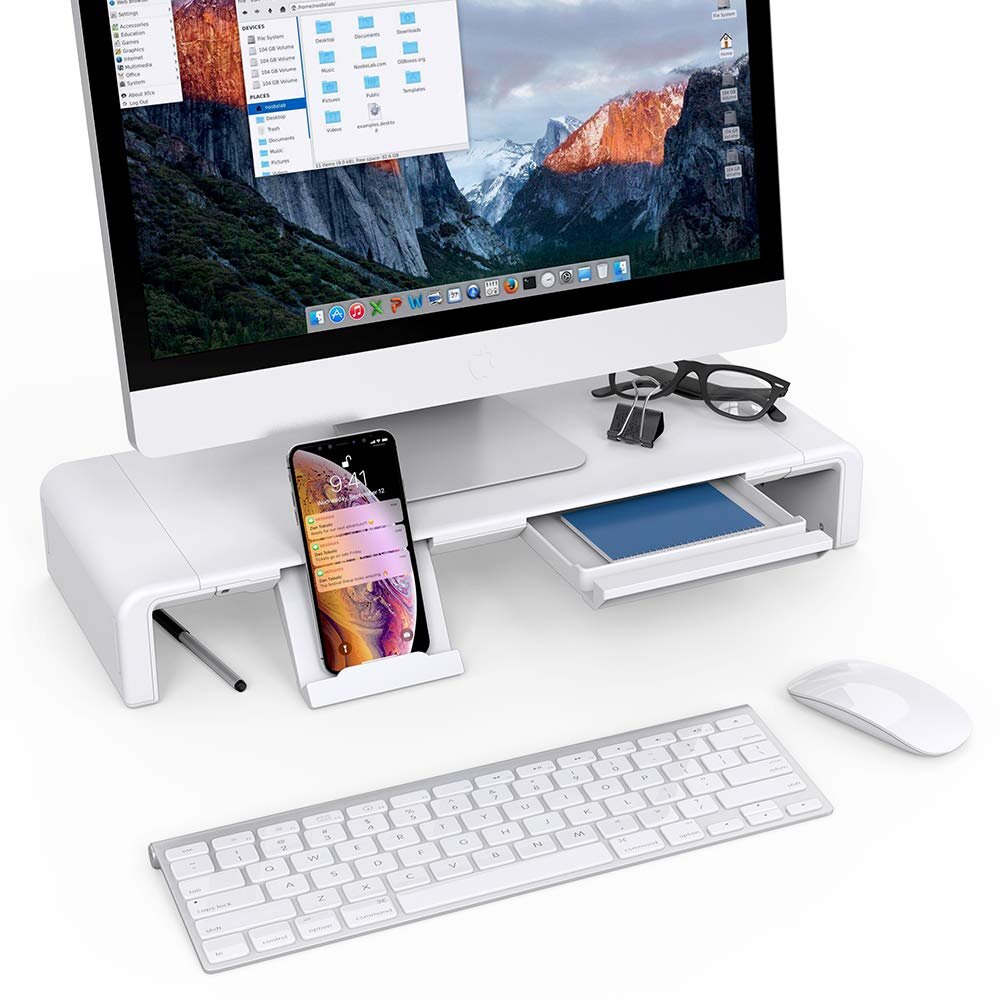
For a regular monitor, you can set it on a stack of books until it reaches the right height or buy something a little more snazzy, like this monitor stand with storage.
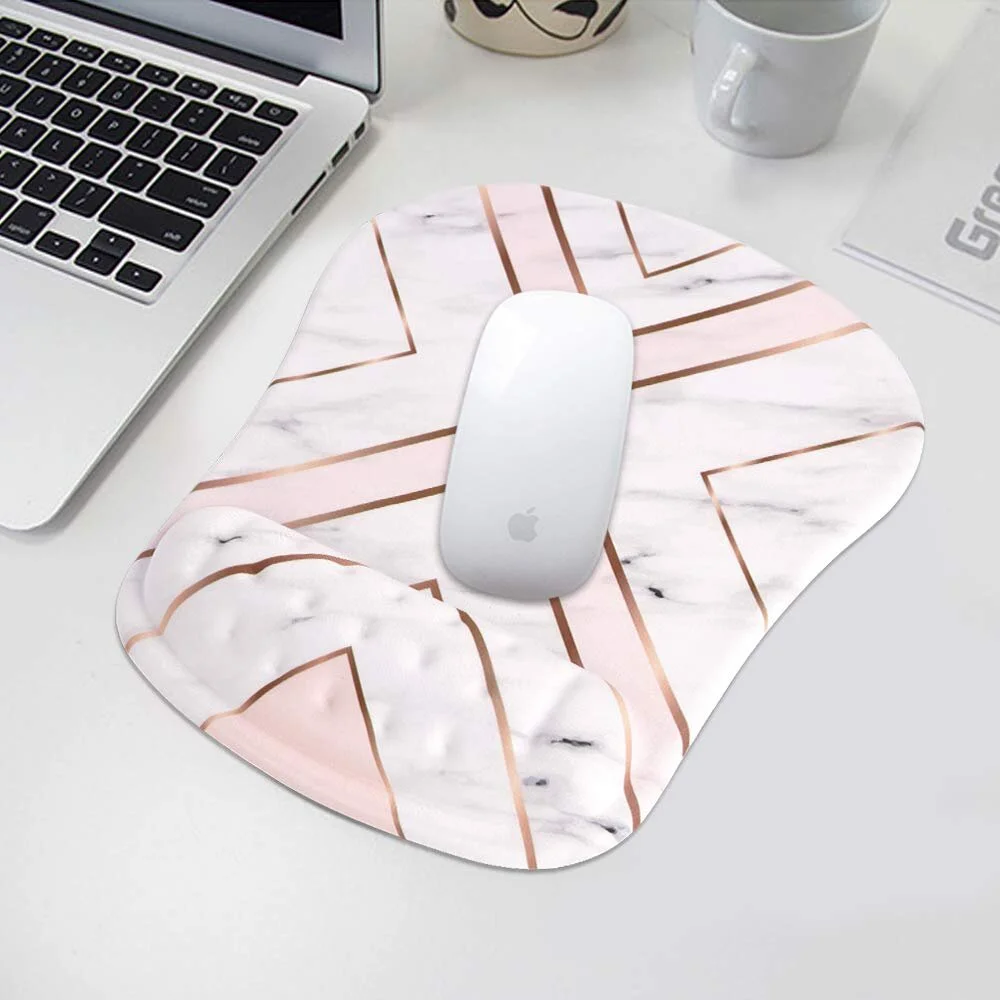
While you’re at it, be sure to get a mousepad with wrist support (I personally love rose gold, so the one below is my choice) to prevent strain that can lead to carpal tunnel and cushion to pad the edge of your keyboard so your hands stay in an ergonomic position.
Proper Filing
Next, we need to think about a great filing system for your home office. My favorite way to file items is digitally. You can scan documents or receipts, or take photos of them using your cell phone and keep the images in files on your computer. (This is only a good idea for paperwork where you won't need to keep the originals, btw.) There are some scanners out there that will scan and digitally file your paperwork automatically, like the Neat Company NeatConnect Scanner.
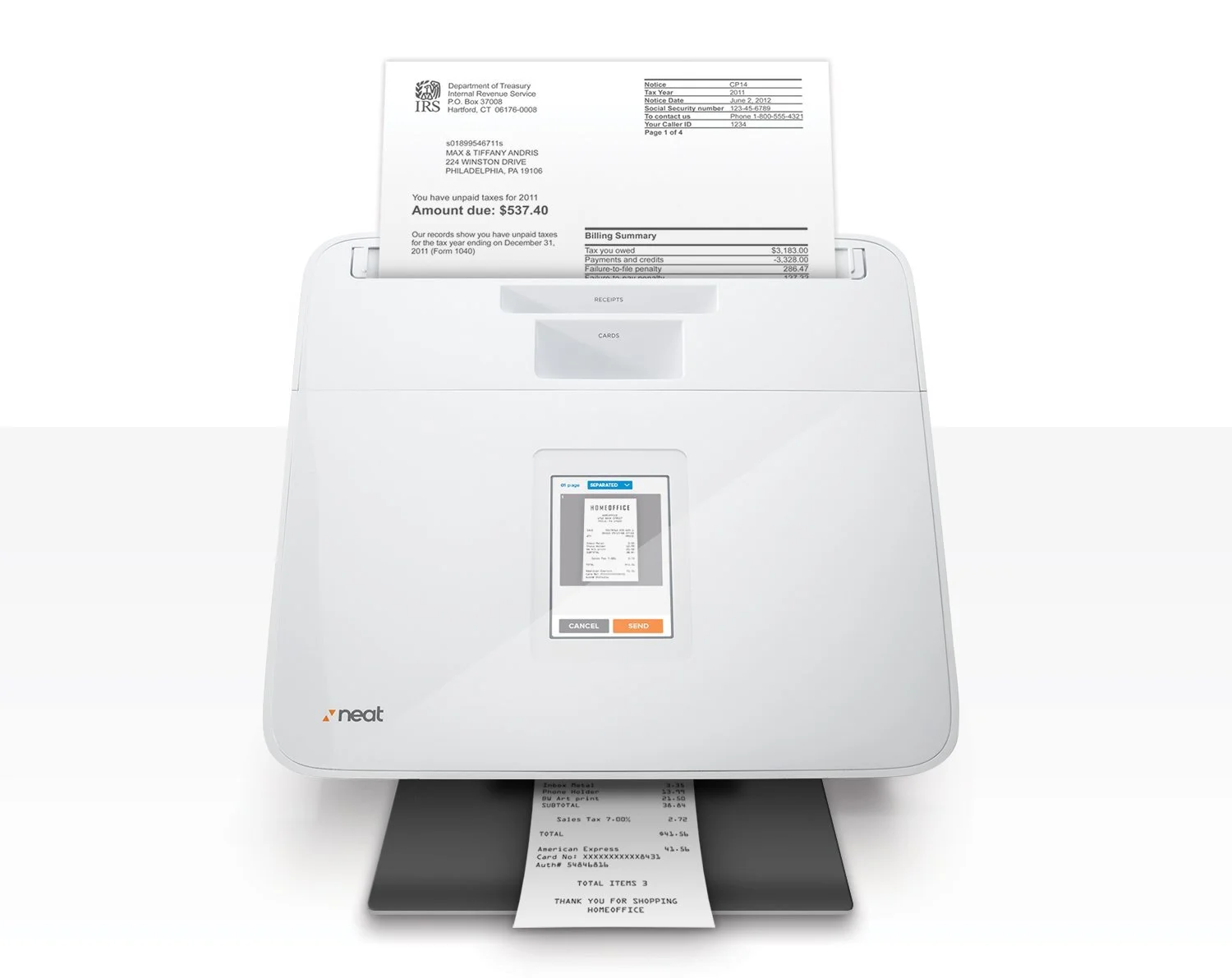
You might still have a lot of hard copies of important documents and data. Not everything has to be digital, and sometimes it’s useful to have a hard copy of a file that you can layout across the desk.
However, if you’re going to do this, you need to make sure that you can easily find and access files. This means you need a great storage system in place. I personally have cute little wooden filing cabinets, but I’ve also been known to stash hard copies in three-ring binders with clear pockets.
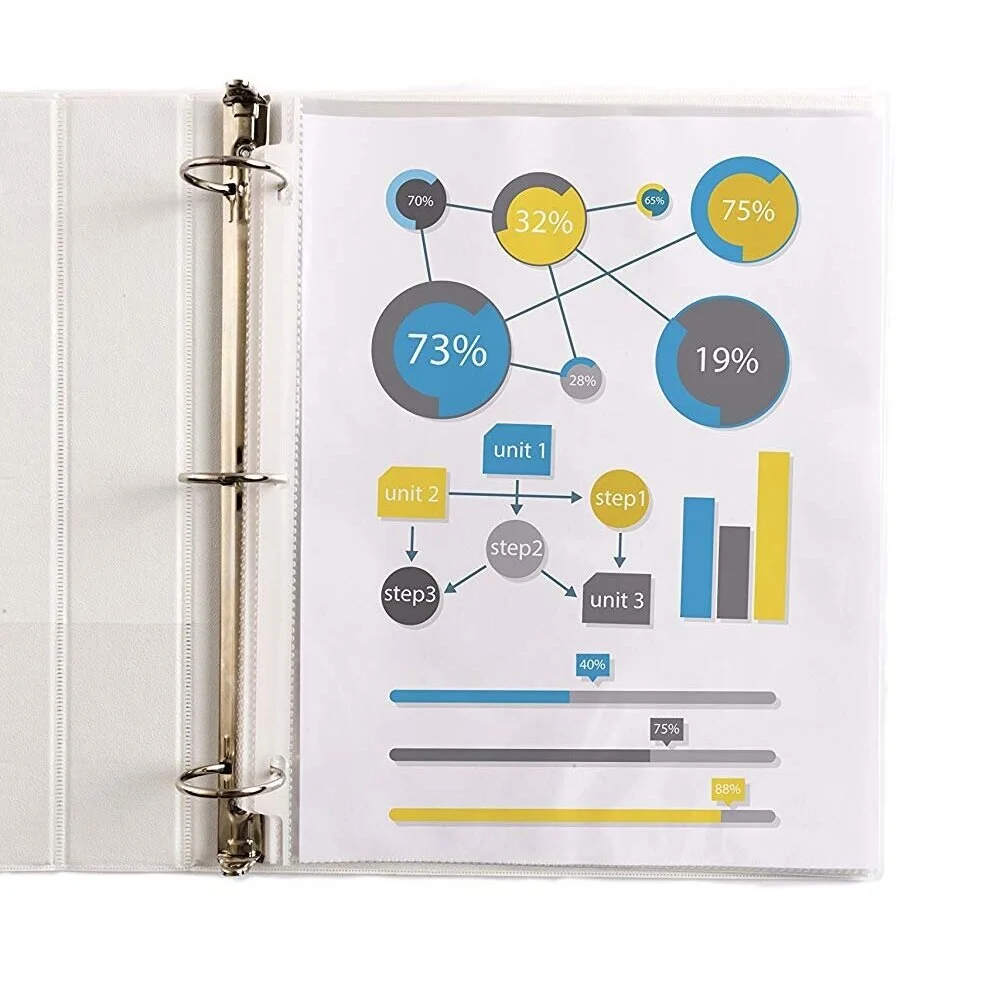
Also invest in a shredder to “file” documents you don’t need anymore safely. It doesn’t need to be an expensive one, either. The AmazonBasics 6-Sheet Cross-Cut Paper and Credit Card Home Office Shredder is just $35.
Office Chair

It’s easy to just pick an old chair for your office. Hey, it's cheap, right? There are several reasons why you should spring for a new chair, though.
For one thing, it may not be giving your back the support it needs for hours of sitting. Therefore, your back could end up in jeopardy if it’s not getting the cushioning it needs.
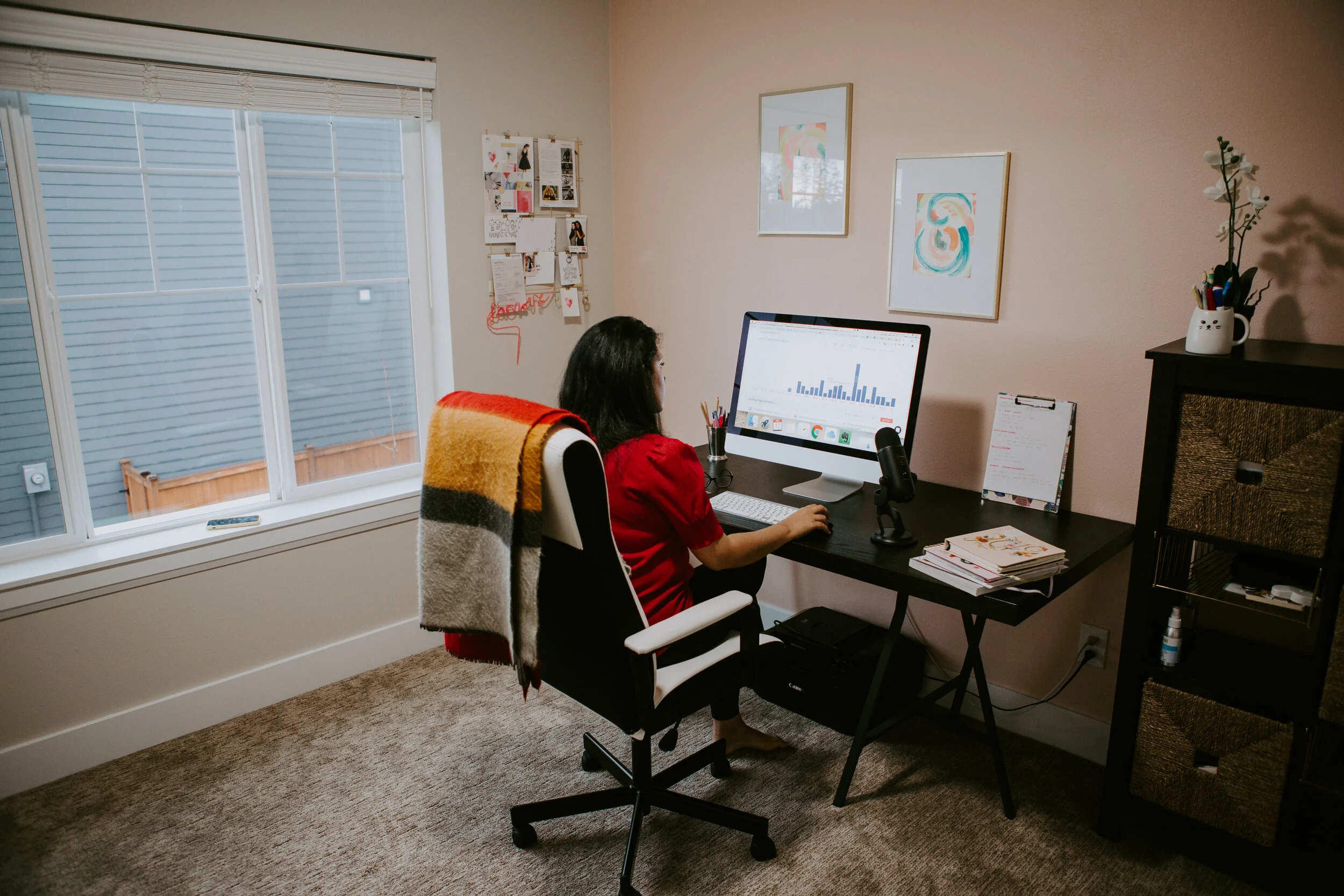
And not only is an old chair not good for your back, but it’s not good for the floor either. Old wheels or worn furniture pads on the legs could mark your office floor.
I personally have a Serta Executive office chair because it is fully adjustable and it was a great investment. I also keep a yoga ball chair in my office. Sometimes it's good to switch things up.

Hard Drive
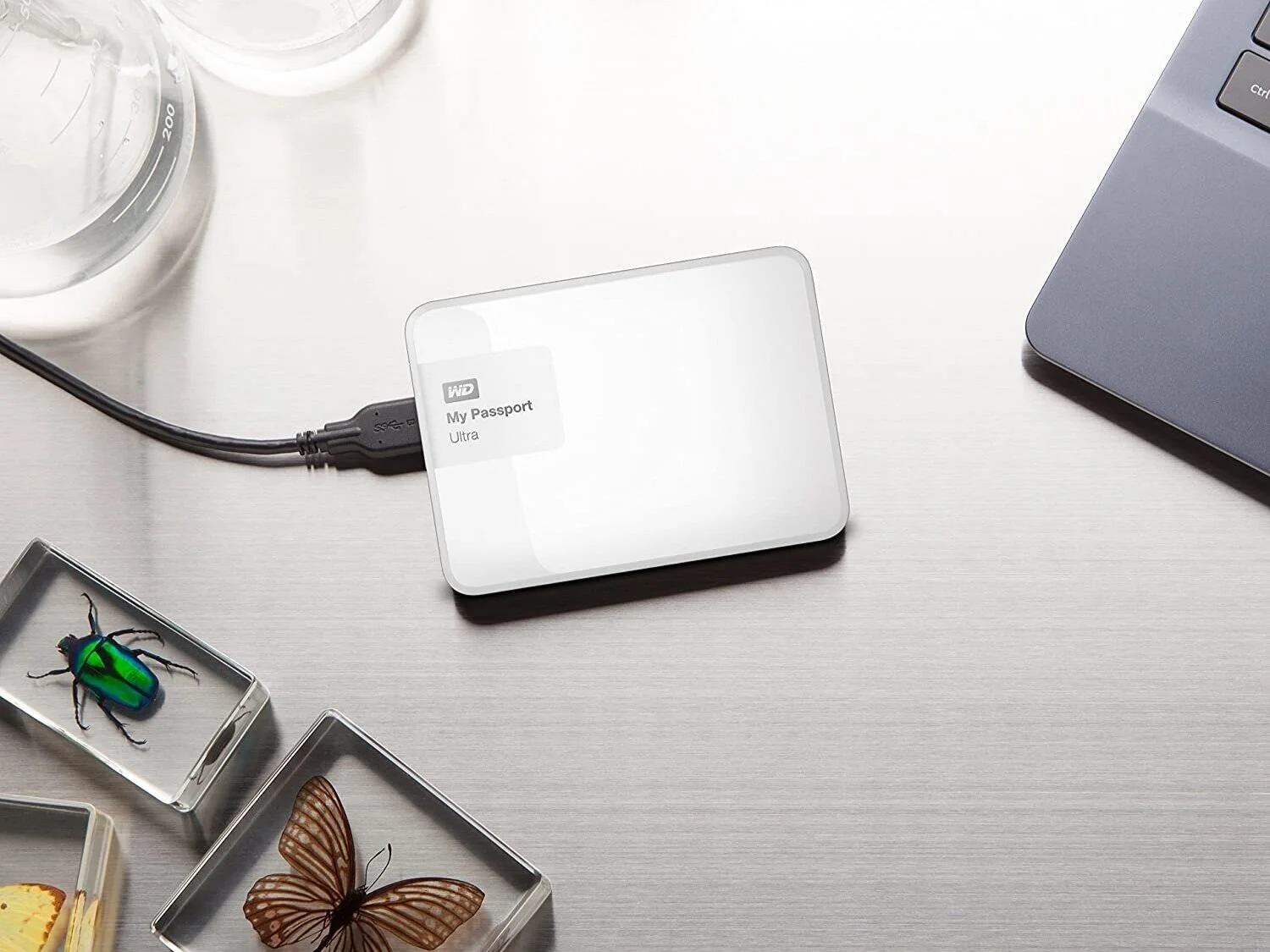
There is nothing more frustrating than working all day only to have it all wiped out. That’s why it’s always a good idea to back everything up on an external hard drive. When I started out, these were huge, but now you can get tiny ones that can fit in your bag. I use the My Passport Ultra, but there are a lot of great ones out there on the market. I also back up my work into the cloud with Google Drive, which costs around $11 a month.
Add Some Light to the Room
A lot of people choose a particular room because it has the most privacy. After all, you need minimum noise to get on with your work. But you need to think carefully before choosing the room.
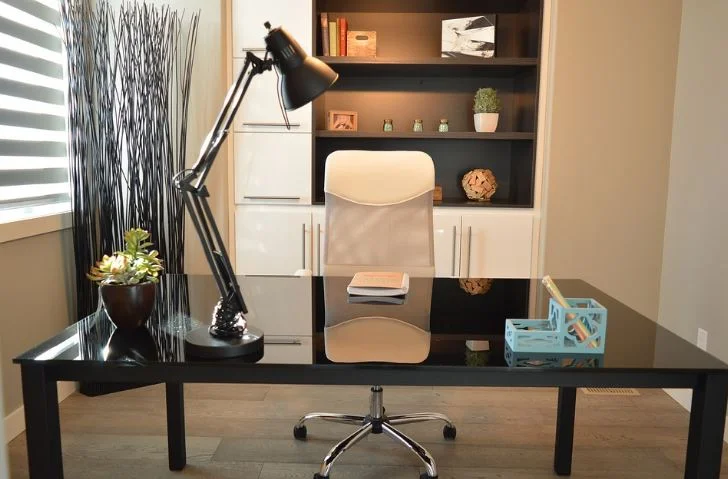
lighting in home office
For one thing, you need to think about lighting. Low light can tire your eyes and force them to work harder if you are writing on the computer. Lack of natural light can also lead to depression, sleep problems and other crap you just don't need to deal with on top of running your own business.

I myself chose my home's sunroom as my office when I moved in (I’ve moved to a larger room since then). Half of the room is covered in windows and I have a nice view of my garden and pecan trees. Even if you don't have a sunroom, at least put your desk facing a window. Trust me, it will do wonders for your outlook on life after being cooped up inside all the time. (Plus, facing a window will prevent glare on your computer screen.)

Choose a room which enjoys a lot of light during the day. Then add some blinds so you can adjust the light accordingly. If you don’t have a room with a bunch of windows, add some extra lighting. Make sure it’s soft lighting overheard with bulbs that mimic natural sunlight, then add a lamp for task lighting on your desk. Some twinkle lights are nice, too.
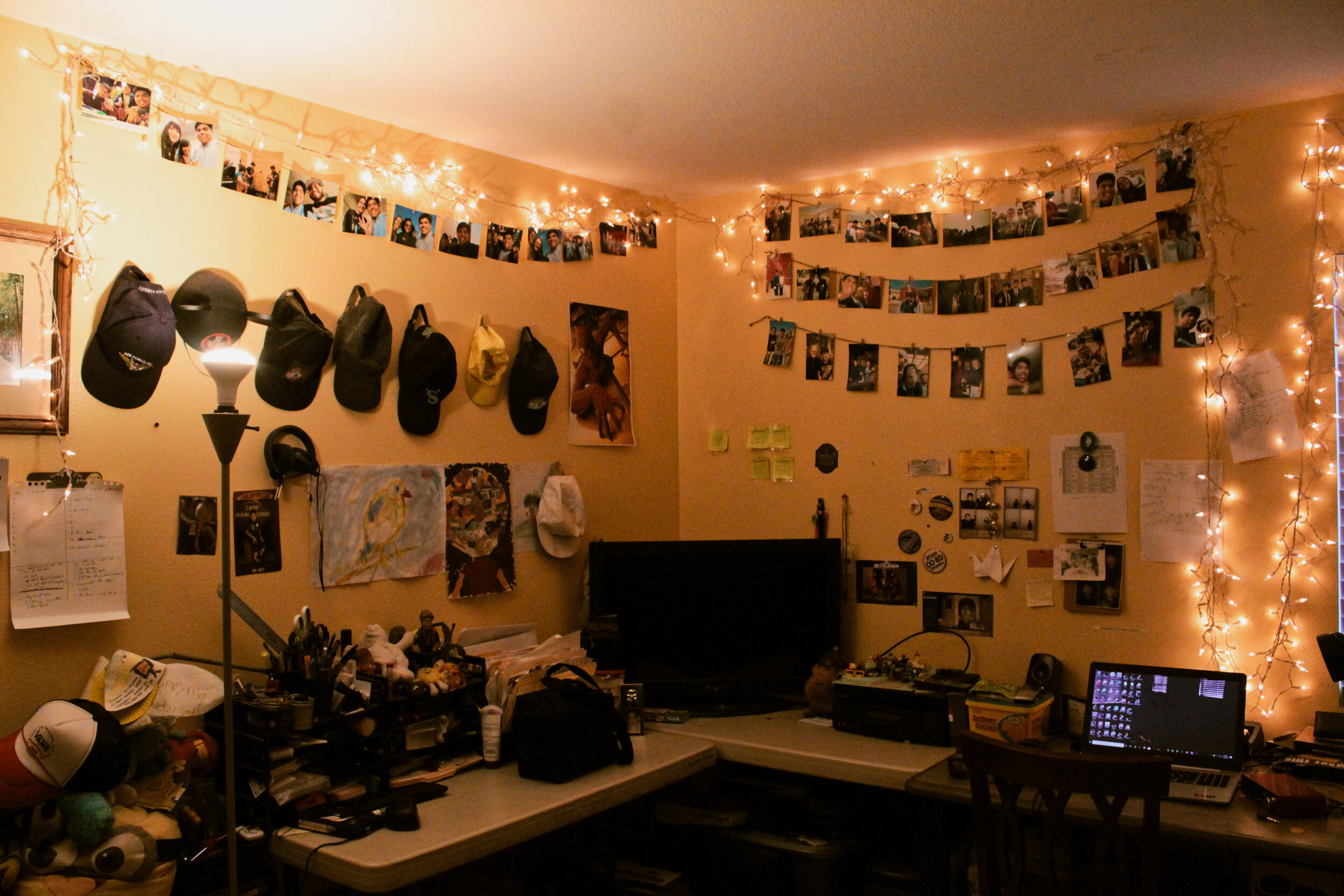
Give the Desk Some Life

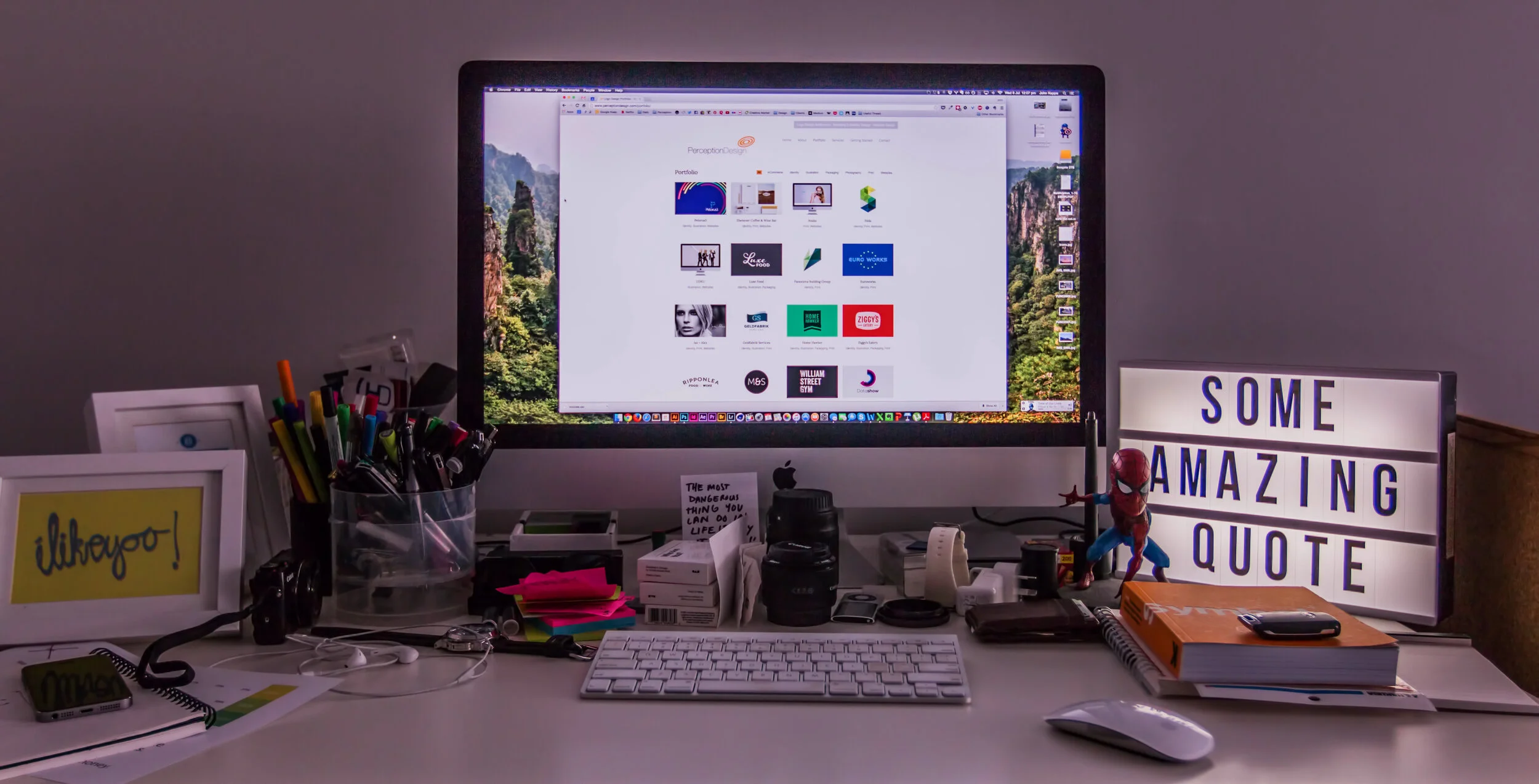
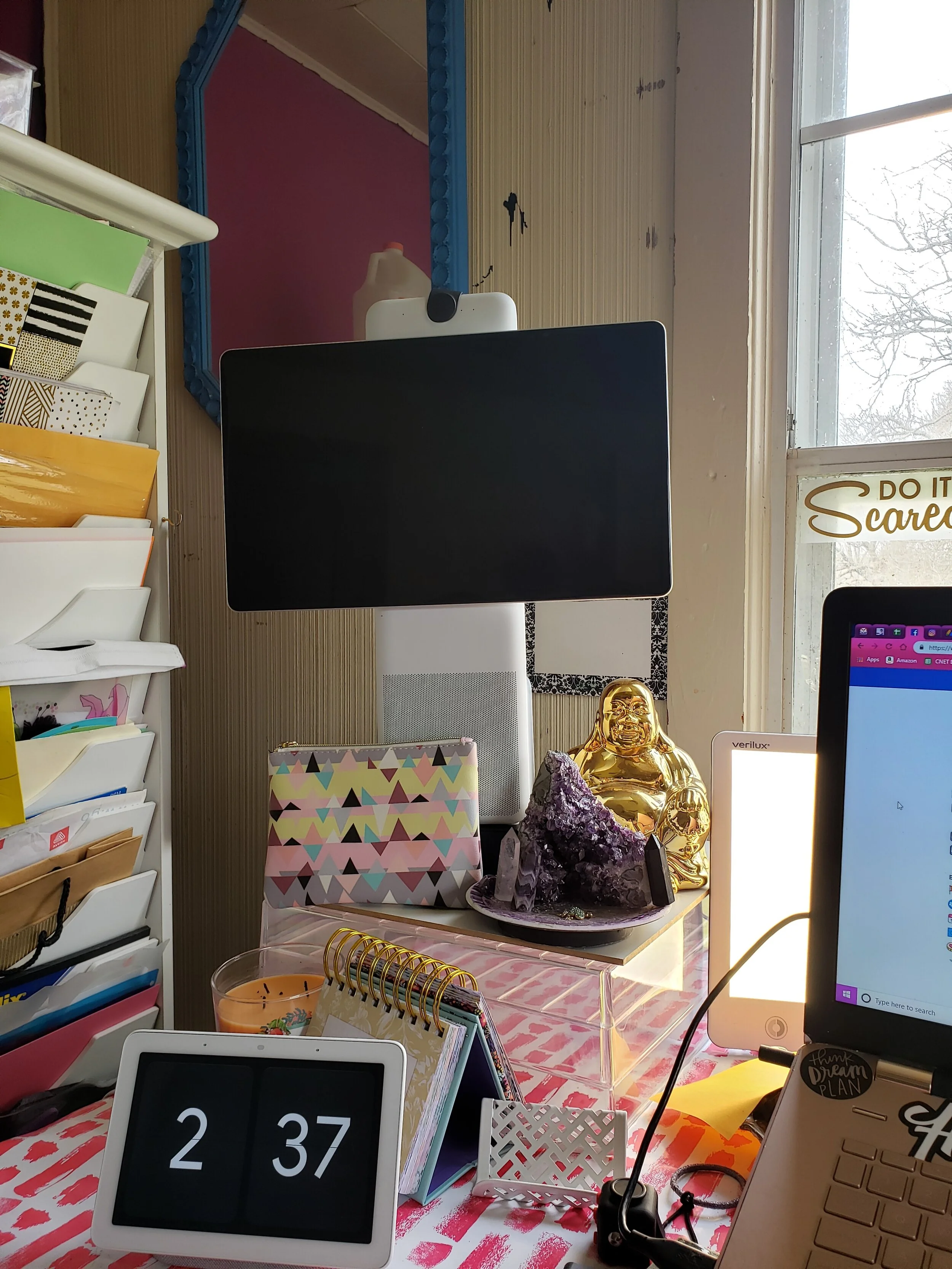
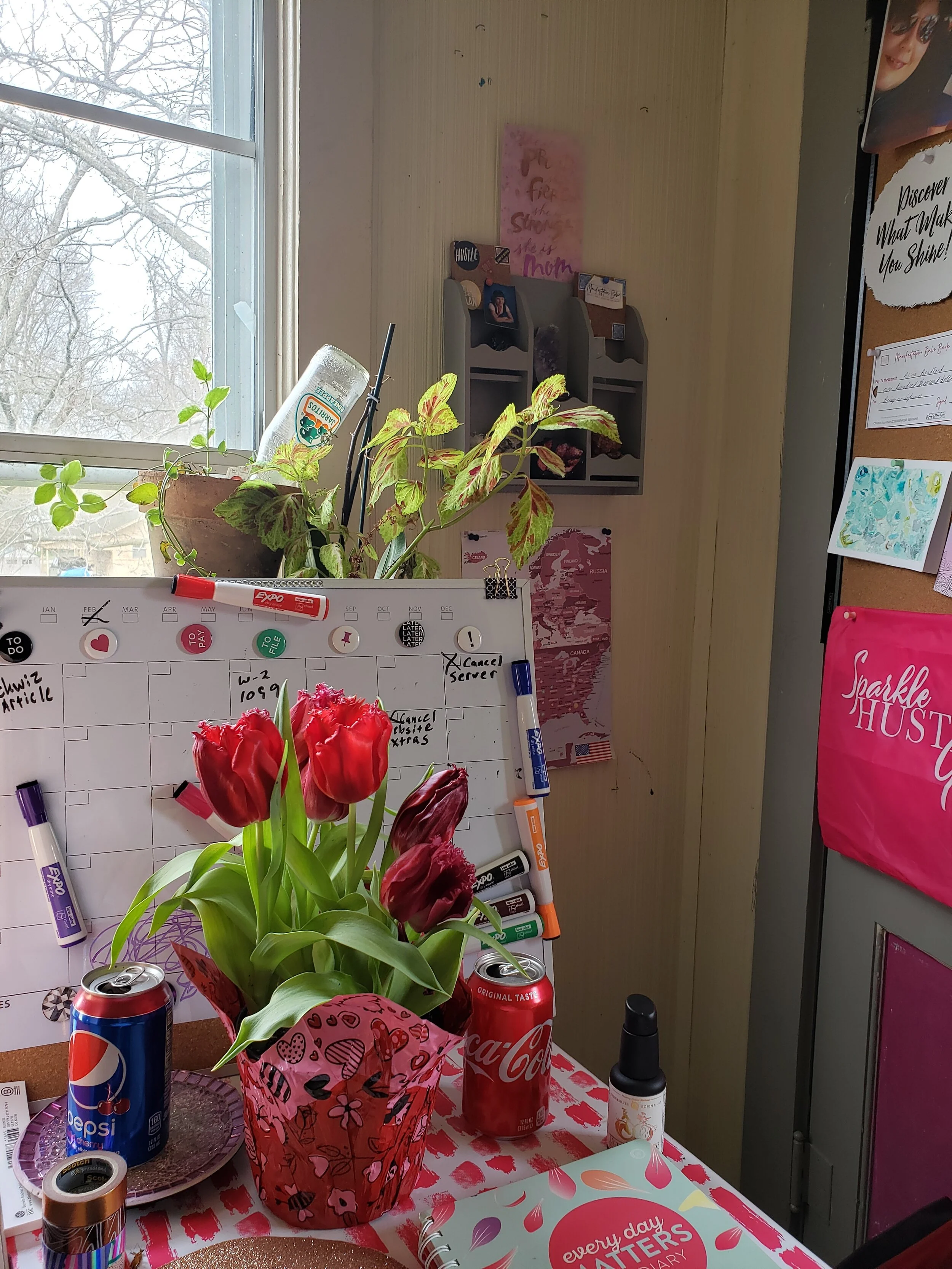
There’s nothing worse than sitting down at a boring desk. You need to give the desk a personal touch to boost your home office. You can do this by adding a beautiful vase of flowers or even a photo of your loved ones. I have like five plants on mine, some books, pretty rocks and crystals and a golden Buddha coin bank.
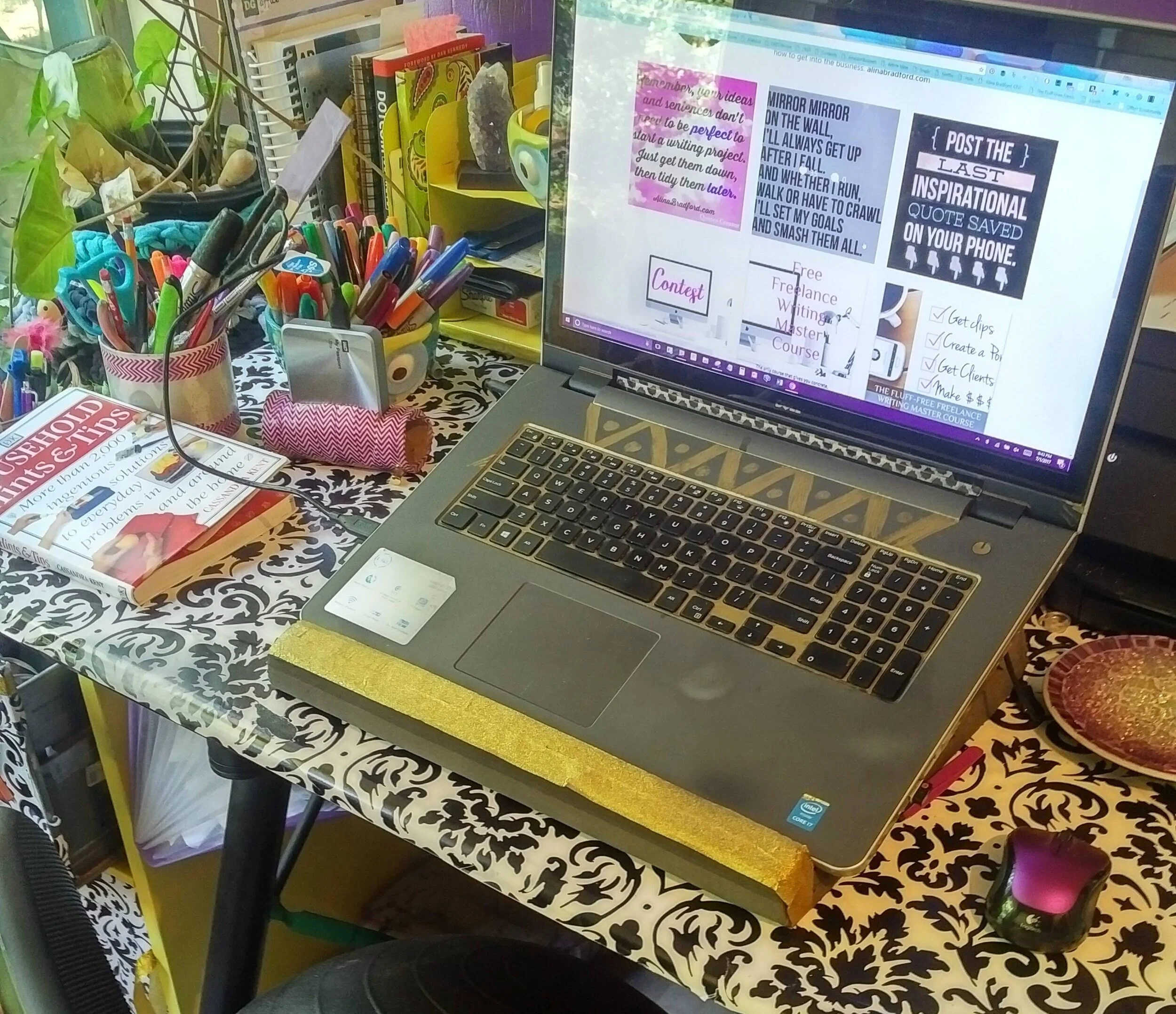
You might even want to give the desk some life by getting creative. For example, you could paint it a fun color which will make it stand out in the room. Or you could even skip the paint and decorate your desk by covering the whole thing in wrapping paper. That’s what I do to mine (see below). It will look fantastic and will give you a smile when you start your work.
Paint the Walls a Great Color
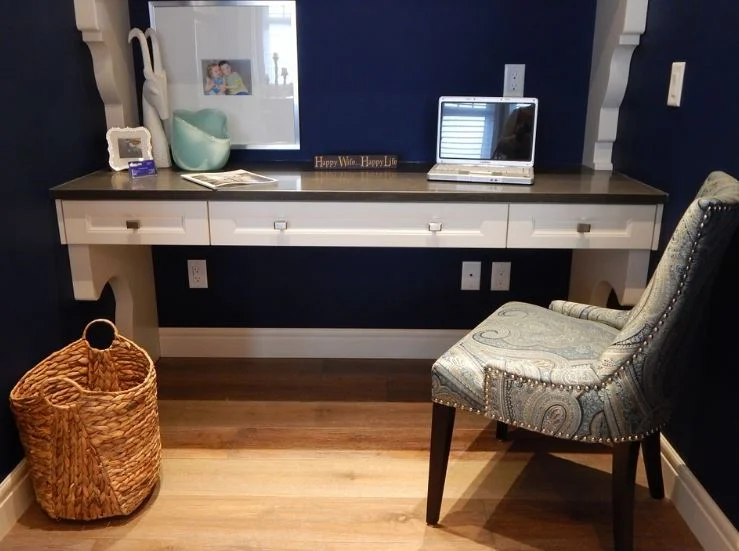
pretty home office
You should also color the whole room so it becomes somewhere you love to work. Choose a great paint color that will give the room a lift. It might be that you go for something bright like orange or yellow to lift your spirits. Calming green and blue have been found to improve efficiency and focus so you will have an office which will ensure you have a productive work day.



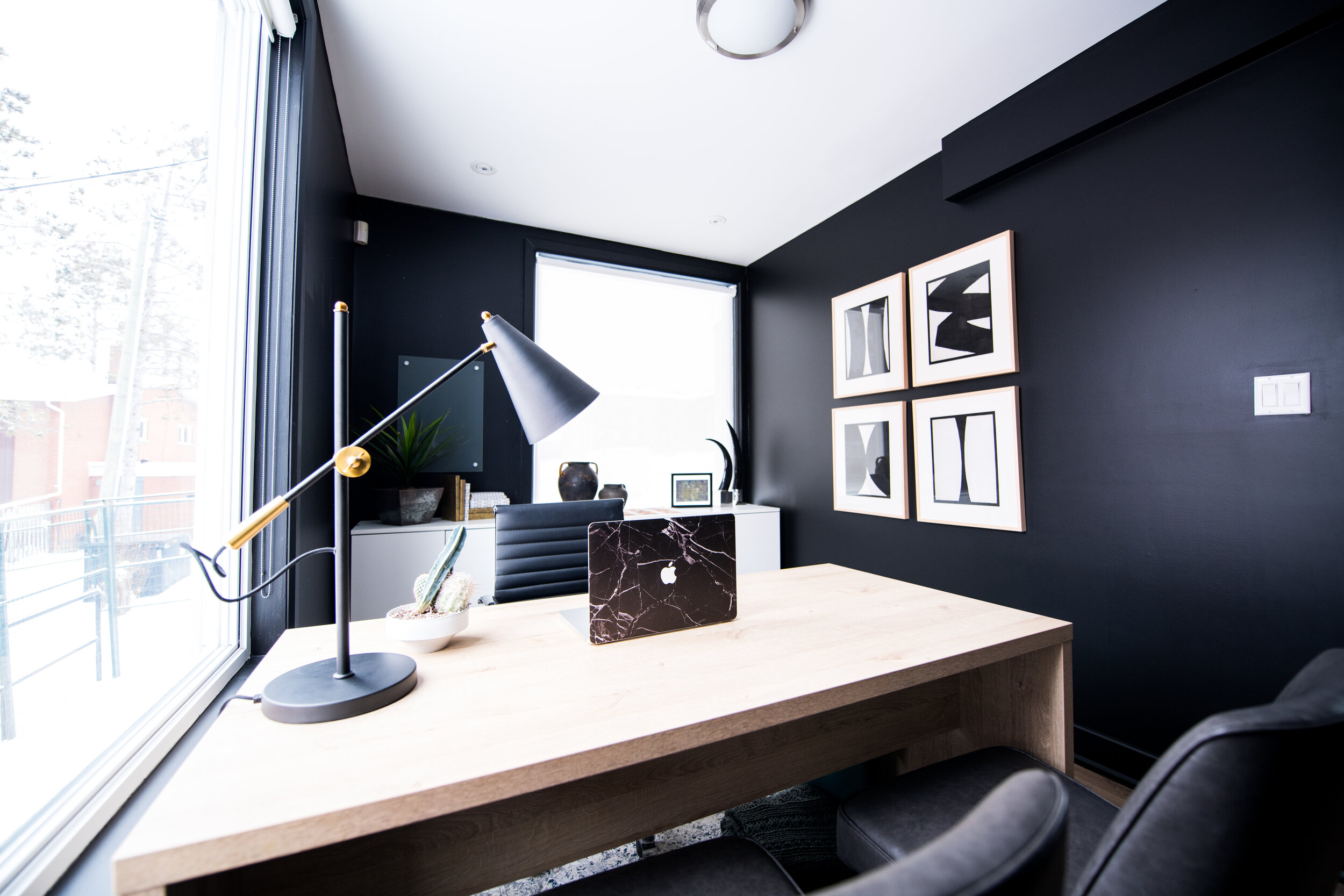
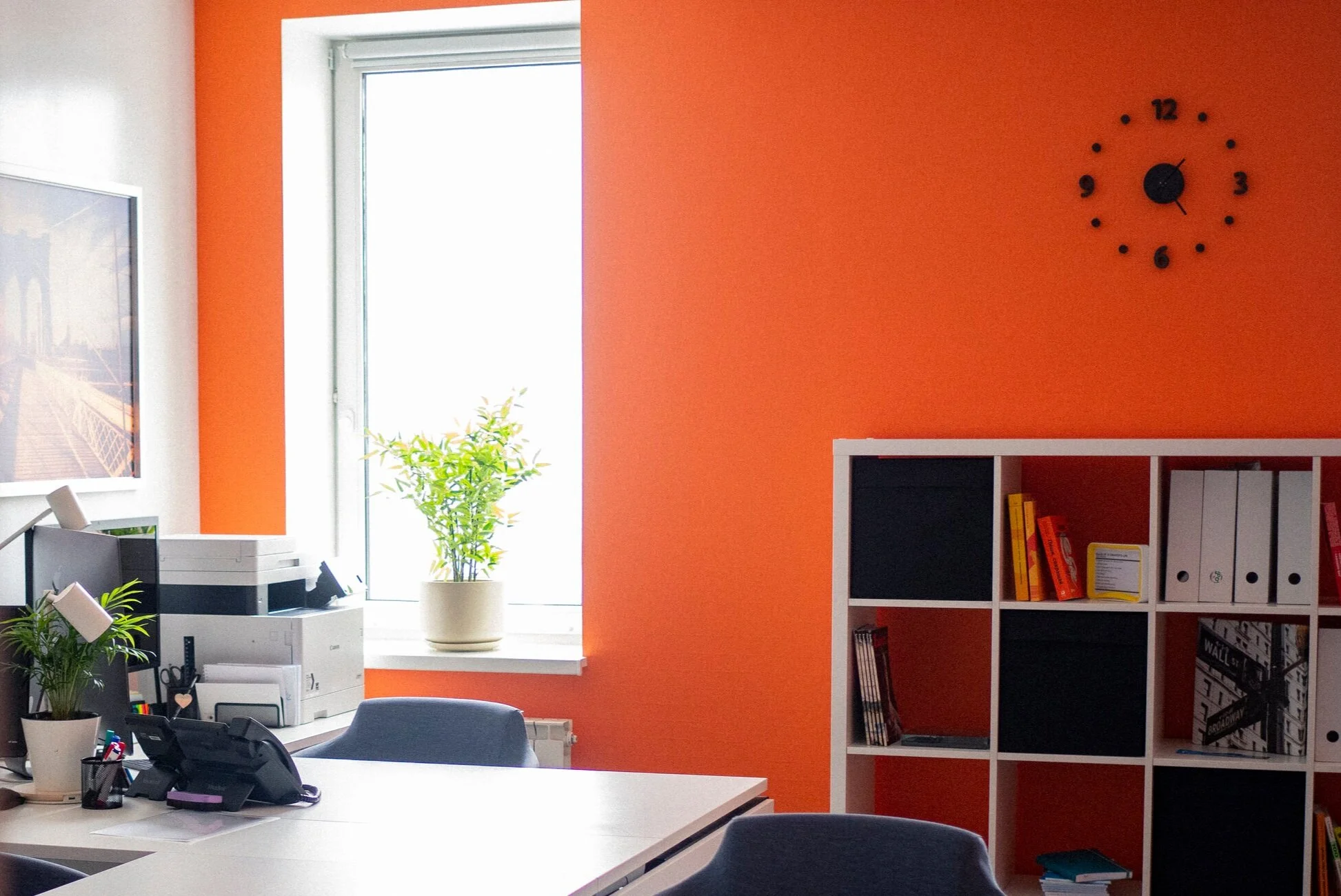
My office is purple has been purple and now it is pink. Both are colors that help with creativity.
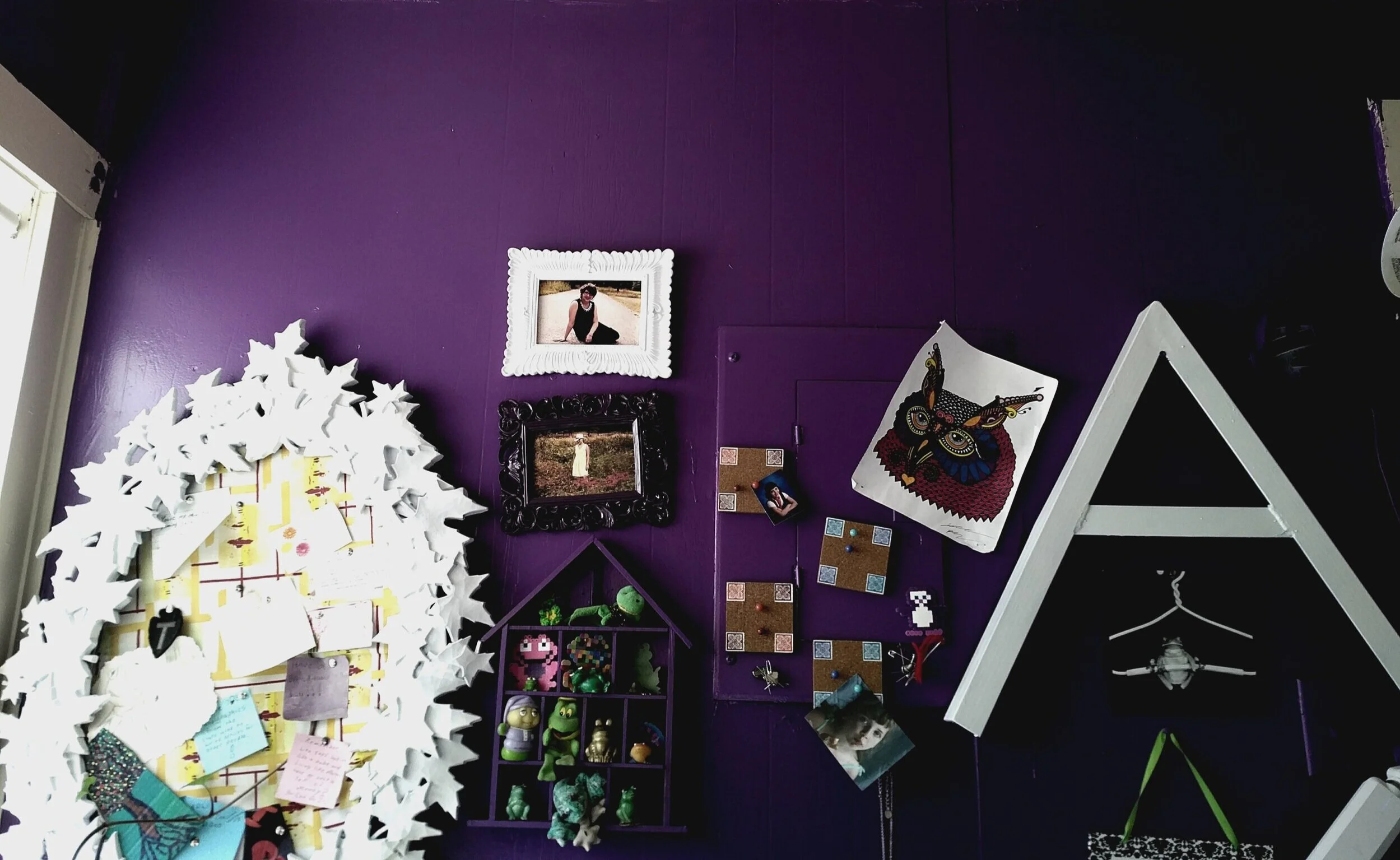
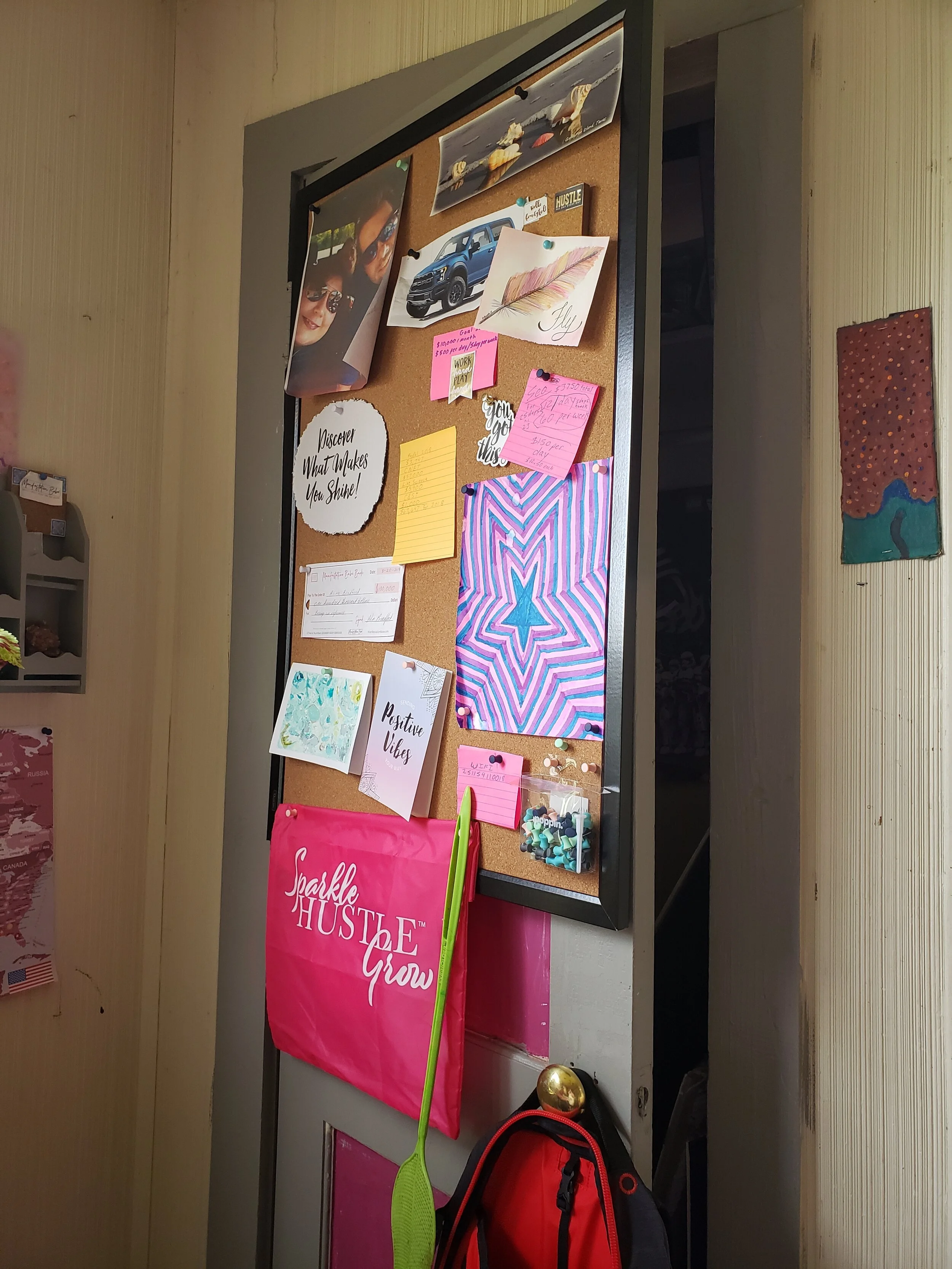
And remember the walls in your office don’t have to be plain. Go for inspiring wall quotes and artwork which will give you a boost!

Why not print motivational work posters around your room to remind you of why you do this? This doesn’t need to be the infamous "office motivational posters" that were popular in the early 90’s. A picture of your family or intended long-term purchase can both be applicable here. Seeing what you're working for every day can keep you going.
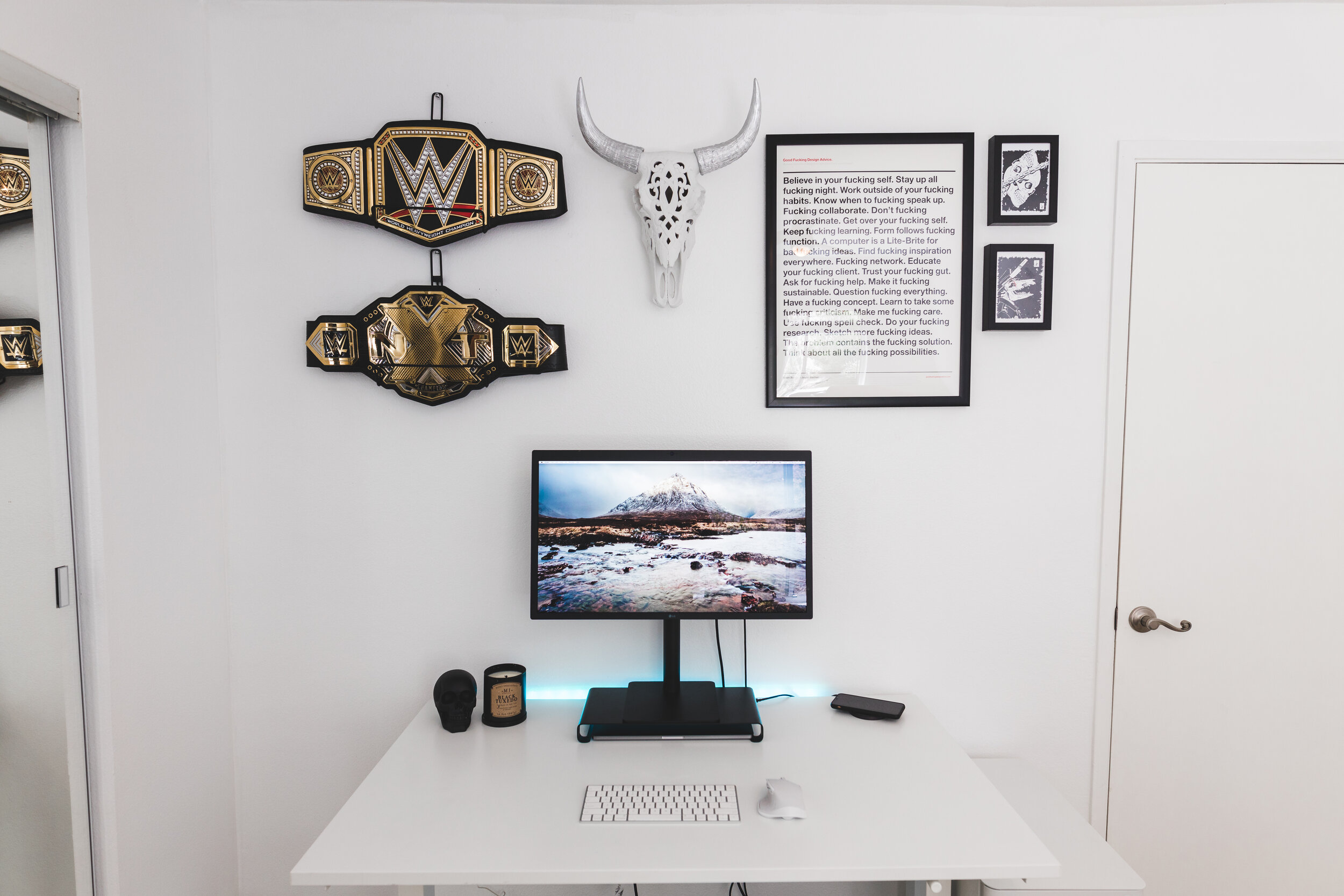
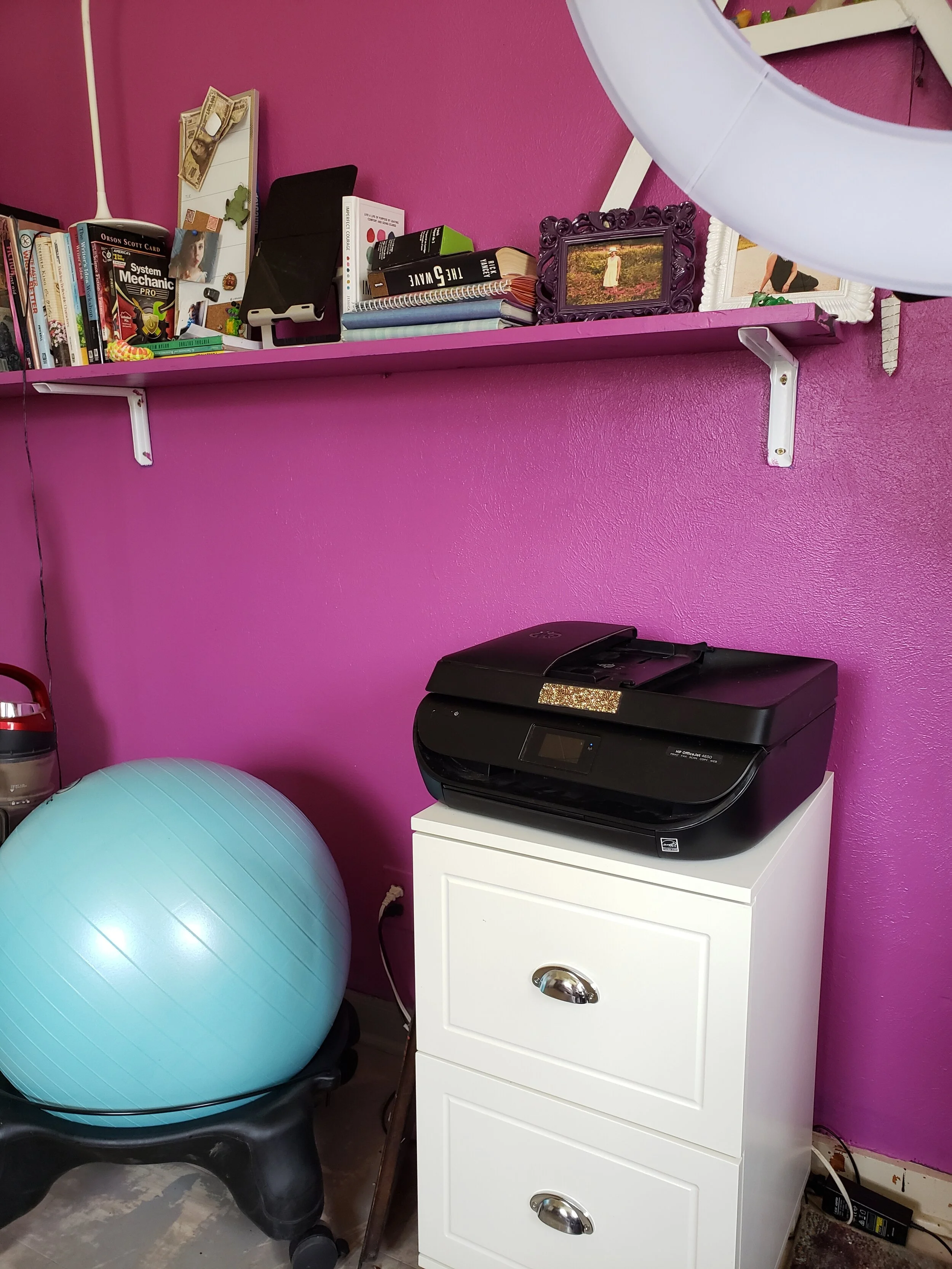
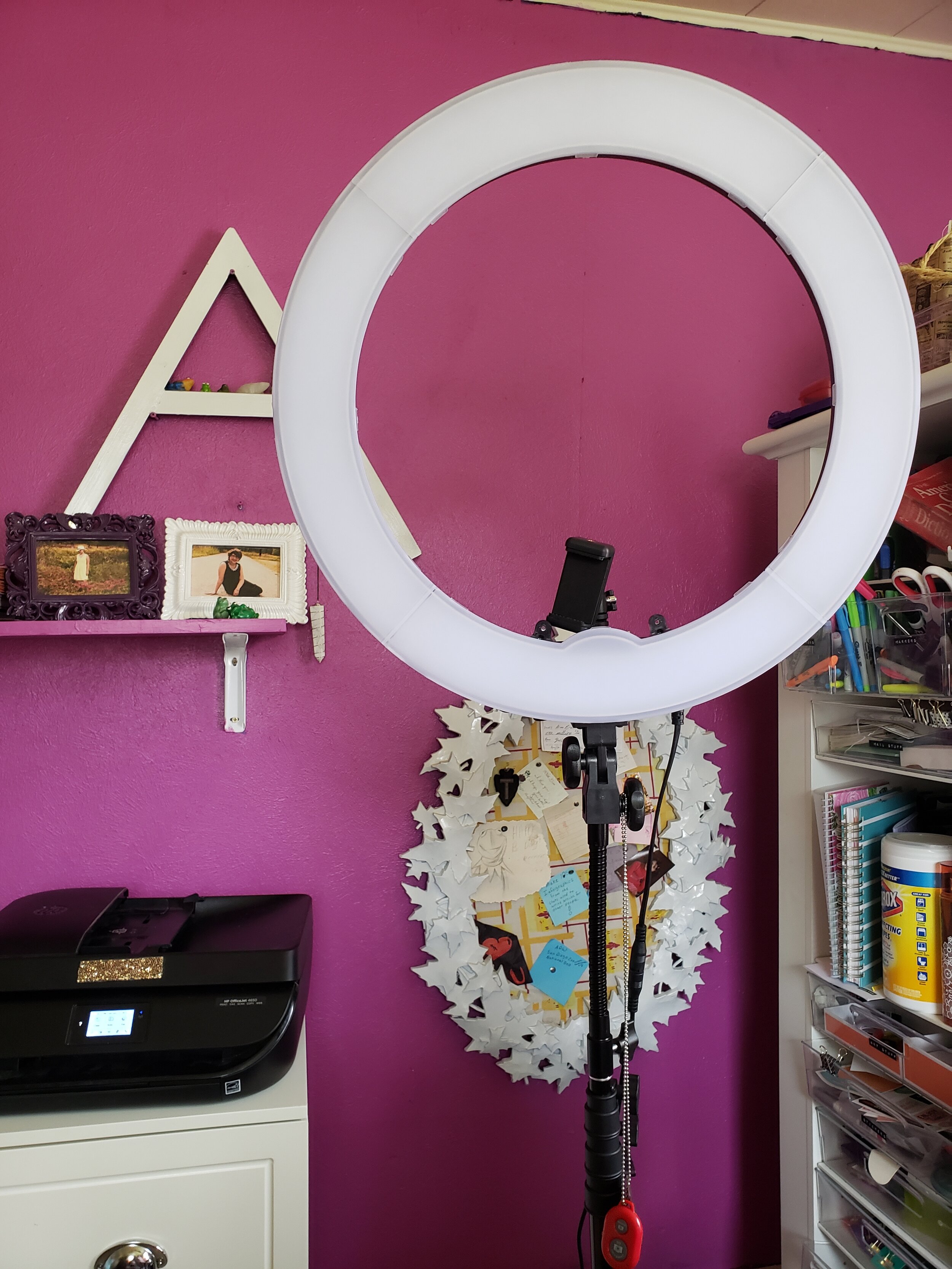
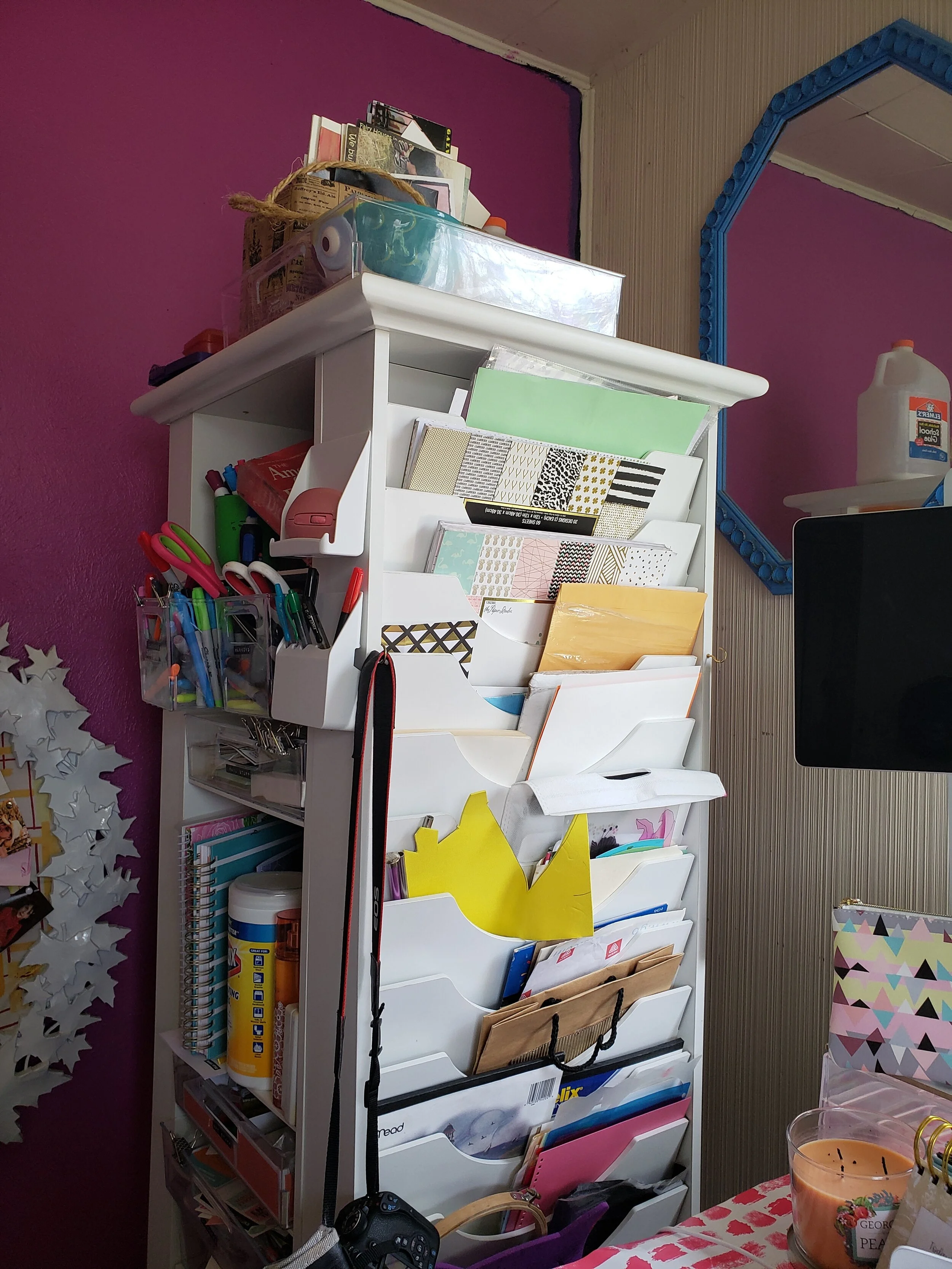
Curious to see what my whole office looks like? Here’s a tour.


5 Tips to Choose a Domain Name and Web Hosting for Startups
The search for a hosting services provider doesn’t necessarily have to be hectic or bothersome. Here are tips that will simplify the search process, help you find the best host, and ensure that you won’t regret your decision at a later date.
Guest Post by Emily Lamp
This guest post will help new writers with choosing domain names and web hosting for their new freelancing business.
The time you start choosing a web host and domain name provider is the time you realize just how many companies offer this type of service. In such instances, you soon come to realize that having too many options is not always the best thing. But the search for a hosting services provider doesn’t necessarily have to be hectic or bothersome. Below are tips that will simplify the search process, help you find the best host, and ensure that you won’t regret your decision at a later date.
On a separate note, if you ever want to get into the world of hosting, you should read this very useful article on web hosting business income.

1. Reputation
When you’re in the market for a domain name and website hosting company, you can’t afford to take any shortcuts. You have to perform due diligence which will involve checking into the reputation of all the companies that you have shortlisted, heard of, or which have been recommended to you.
Take your time to peruse web hosting review guides. This is the go-to place for website owners looking to view reviews and ratings from customers who have worked with some of the firms you could be considering. Generally, it’s best that you play it safe and opt to work with a company that has lots of expertise and prior experience. Such a company will have been well received by experts and customers.
2. Establish Your Needs
Website owners have to determine their hosting needs. If you use a WordPress website for your business, fully managed Wordpress hosting may fit your needs. If planning on hosting video content, do you intend to make it possible for your users to register on the site and start uploading their own content? Do you intend to host top-quality multimedia content such as images and infographics? Try and estimate the kind of traffic that you will receive on a daily basis before settling on a hosting company. Failure to do so could see you paying for services that don’t meet your needs or which are unnecessary.
3. Cybersecurity Requirements
Your search for the best web hosting for startups should also involve looking into the cybersecurity measures that have been put into place by your prospective host. Do a deep dive into their track record to establish whether the host has experienced any intrusions or data leaks in the past few months or years.
Confirm that the host does indeed provide its clients with encryption, distributed denial of service (DDoS) protection, as well as a web application firewall. Many firms, both new and established have in the past lost business and money due to loss of reputation and downtime occasioned by a cyber-attack.
4. Infrastructure
The infrastructure put in place by the VPS hosting company is crucial. Your research at this point will involve looking into the number of uplink carriers that are present at each and every hosting location.
Take a closer look at the network topology to confirm whether or not the host has diverse carriers. In addition, be sure to check the number of peers that the VPS host currently has. Normally, more peers translate to reduced IP transit expenses.
The presence of many peers also means that the network is bound to be more resilient. While you may want to inquire about the physical location of the data center operated by the host, this is not usually very relevant.
5. Scalability
Often, the hosting requirements will start to change as the company changes or expand its operations. As such, it will be wise of you to consider factoring in the provider’s scalability into your decision making process. You have no option but to work with a company that is in a position to accommodate growth.
Accepting that your needs are bound to change is the best way to protect yourself from unwanted headaches later. It will be better to do this from the first day, as opposed to having to make the switch at a later date. Keep in mind that switching because a provider isn’t scalable will also come with its own issues.
Summary
It’s advisable to take your time to carefully weigh all the available options when trying to choose between different hosting companies. It’s better to spend more money at this moment and save yourself a ton of trouble in the future. Place priority on reputation, pricing, scalability, and cybersecurity measures.
Guest Author Bio

Emily Lamp is a professional writer, working closely with many aspiring thinkers and entrepreneurs from various companies. She is also interested in technology, business growth and self-improvement.

15 Free Online Tools that Every Writer Needs
Here’s a guide to all kinds of free online services that you can use to get your freelance writing business off the ground. Make sure to bookmark each one!
Every new business venture comes with overhead. One of the least expensive businesses to start, though, is freelance writing. You don’t need to pay for a building and many of the “supplies” you need are free online. Here’s a guide to all kinds of free online services that you can use to get your freelance writing business off the ground. Make sure to bookmark each one!
Google Docs
There’s no need to purchase Microsoft Word to type up articles, whitepapers and copy for your clients. Google Docs is jam-packed with features and it autosaves every few seconds, so you’re less likely to lose your work.
2. WPS Office
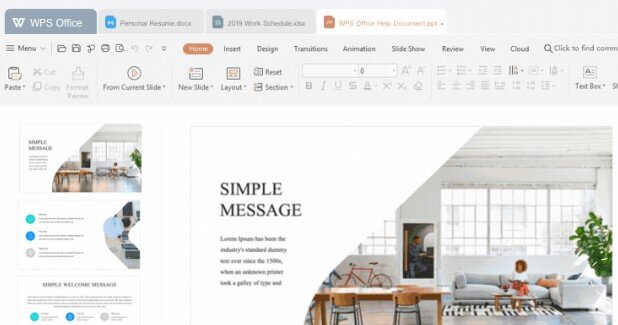
Google Docs is great, unless you need to create longer documents like ebooks, because it tends to glitch out. I personally use WPS Office. It is a suite of software including a spreadsheet maker (like Excel), a word processor (like Word) and PDF software (like Adobe Acrobat). The whole thing is free.
3. Medium
If you need somewhere to post your blog posts or articles for free so that you can show them to clients, Medium is a good choice. It’s clean and professional looking, plus you don’t need to do any design work or pay any fees. The platform is super easy to use for beginners', too. If you sign up for their creators program you can get paid for your posts.
4. Capitalize My Title
Capitalize My Title is a little site will capitalize your titles perfectly for any style your client needs, including APA, MLA, Chicago, title case and more. This is great for writers that have a hard time remembering which rules belong to which writing guidelines.
5. Character Counter
Sometimes your clients will ask you to make sure that a headline, quote, etc. is within a certain character length. You can check easily with the Character Counter tool.
6. Plagiarism checker & citation assistant
If you ever have a doubt that you might have plagiarised someone, there’s an easy way to check. Just copy your work into the Quetext tool. It will check everything for you to ease your mind.
7. Citation Machine
The Citation Machine will create citations in whatever style you need automatically.
8. PR Newswire
Whenever you need experts for quotes, turn to PR Newswire. I’ve used it for over a decade and they’ve never let me down.
9. Google Voice
If you don’t want to share your phone number, make a free business number with Google Voice. You can set up a free phone number and voicemail box that redirects to your phone in just a few minutes.
10. Portent blog title generator
Have no idea what your blog post title should be? Try the Portent tool.
11. PayPal
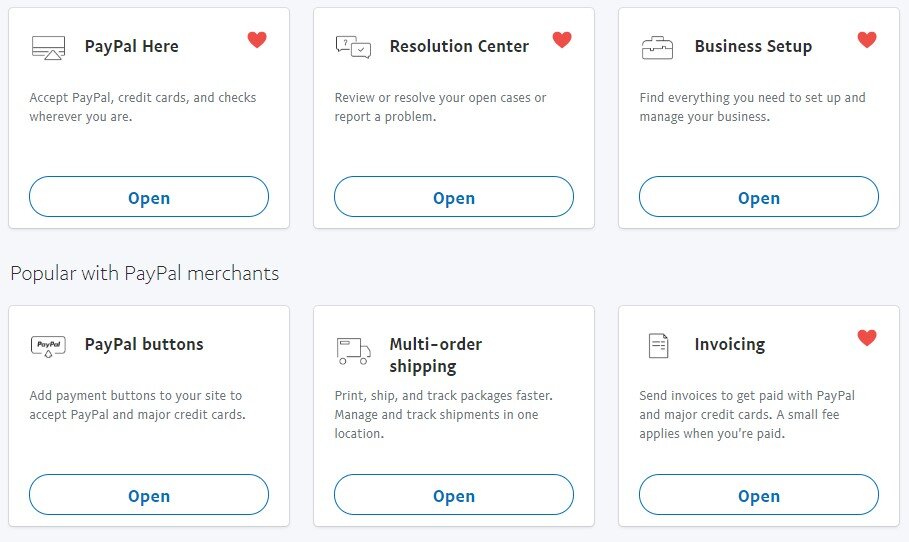
You’ll need a way to take client payments. I’ve been using PayPal for decades and have loved every moment of it. They take a small percentage of your client payments so you don’t need to pay upfront. The cut is 2.9% + $0.30 per transaction (most providers charge a similar rate). You can also get a business debit card, business credit card, a mobile card reader, invoicing services, and pay now buttons for your site.
12. Screencasify
Screencasify is a Chrome plugin that you can use to create a video of whatever you’re doing live for presentations.
13. Free Summarizer
The Free Summarizer tool can summarize and proofread your text.
14. SpyFu
WIth SpyFu you can enter a competitor’s website and download their most profitable keywords. This little insight helps you place better keywords into your own articles and come up with more popular topic ideas.
15. Contently
Every writer needs a portfolio, and one of the best free portfolios is Contently. Plus, you can get writing gigs through the site. Win. Win.
Want to make $100 to $200 per hour from home like I do? My No-Fluff Freelance Writing Starter Pack teaches you how to make a living as a writer from home.

Forget Multitasking! Increase Productivity with These 5 Tips
Multitasking fails us, big time. It decreases our productivity, lowers our IQs, and shrinks our brains, according to acclaimed researchers and neuroscientists around the world. The solution? A simple yet revolutionary concept: singletasking.
Multitasking fails us, big time. It decreases our productivity, lowers our IQs, and shrinks our brains, according to acclaimed researchers and neuroscientists around the world. The solution? A simple yet revolutionary concept: singletasking.

Multitasking at work ruins productivity.
Multitasking is Out
We are a stressed-out culture of multitaskers. With too much to do in too little time, we fruitlessly attempt to accomplish more by doing several things at once. Here's a good NPR story about how multitasking is doing us wrong.
What would happen if we tried something different?
The Alternative to Multitasking

Devora Zack has some tips for increasing your productivity.
Devora Zack, CEO of Only Connect Consulting, Inc., has a book called, "Singletasking: Get More Done -- One Thing at a Time" (Berrett-Koehler). In it, Zack stresses that to be more productive and present... and to reclaim your life, regain control and remember what really matters, you need to cut out the multitasking. Here are practical, actionable tips, you can
Zack was kind enough to share five of her tips with me. Here are some practical, actionable tips, you can use to singletask your way to success and sanity:
1. Realize that multitasking is impossible -- Your brain is not hardwired to multitask. What you're really doing is rapidly and ineffectively switching between tasks, or what neuroscientists call task-switching.
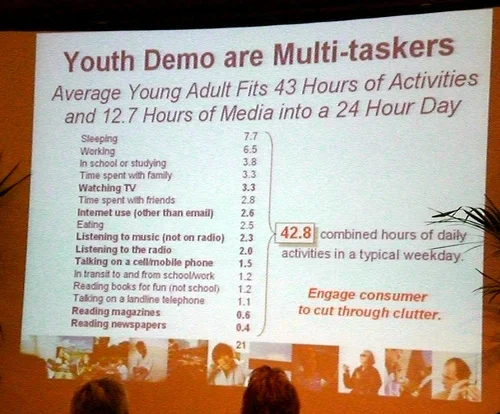
Here are some facts about the worst multitaskers.
2. Commit to your choices -- Singletasking obliges you to do one thing at a time. This means you must stand firm and genuinely commit to your current choice.
3. Park extraneous thoughts -- By singletasking, you're equipped to set distracting thoughts aside until you can redirect your mind. One technique is to "park" other ideas in a designated place, such as a notes page on your smartphone, and then quickly return to the current endeavor.
4. Practice clustertasking -- Bunch similar tasks into segments, such as clustering your reading and replying to emails into arrival, lunch, and departure times.
5. Grow your attention span -- The average human attention span is eight seconds, one second less than a goldfish. Singletasking provides simple tools and techniques to measurably improve your focus.
Using these five tips, you can become more productive while saving your sanity at work. Try them out and tell us how they worked for you in the comments, Facebook or Twitter.
Photo credit: Wired man via photopin(license)
Photo credit: Neat slide via photopin(license)

A Freelance Writer's Guide to Dealing with Digital Contracts
Here’s how to sign and send digital contracts for freelance writers.
Say you land a new freelance writing client and they send you a digital contract. How do you sign it and send it back? A few days ago, I got this email from a No-Fluffer with similar concerns:
Hi, Alina!
I'm one of your email subscribers and fans. I wanted to ask a question regarding freelance contracts:
How do these contracts work? I mean, how do you actually send them? Do I need a fax machine as a freelancer? When a client says I have to sign a contract, how exactly do I do that?
Full disclosure: I don't own a fax machine.
Thanks for reading!
Tara
Those are all great questions, and I bet many other new writers want to know the answers, too. So, I decided to whip up a post about how to deal with client contracts.
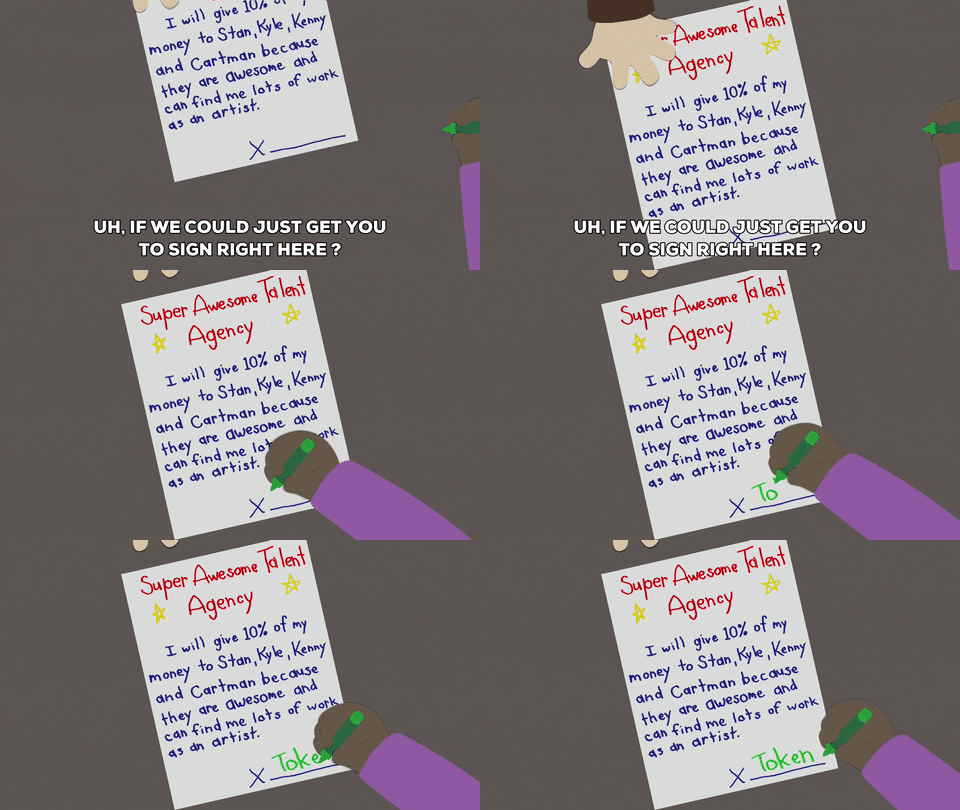
How You’ll Receive a Contract
There are a few ways that clients will send you a contract. There’s the DocuSign, PDF or a Word document.
The easiest way to deal with contracts is through DocuSign. Basically:
Your client sends you a DocuSign link in an email
You sign up for the site’s free account
The site will add the client’s contract to your account automatically
You sign everything digitally
Now, not all clients will be this easy. Typically, you’ll get your contract as a PDF or Word document. This makes things much harder because you would need to print it out, sign it, scan it and then email it back.

How to Skip the Steps
I hate the print, sign, scan process (mostly because my printer/scanner is always on the fritz), so I came up with a work-around.
If the contract is a PDF, there are two ways you can fill it out. Sometimes I take a screenshot of the page I need to sign, then use a photo editing app to add my signature and date. I keep a jpeg of my signature that I can place on any contract using the layering tool, then I use the text feature to add the date. To finish, I save the page as a jpeg and email the it to the client.
If you don’t want to fool around with photo editing software, you can also use an online site called PDFEscape. It makes the document editable (meaning your can add your signature, dates, etc.) and it’s free. Once you’re done, the site lets you download a copy that you can email to your client. I used PDFEscape for one of my last freelance client contracts.
If you get a Word document, the process is much easier. You can use the insert tool on any word processor app (like Google Docs) to add your saved signature jpeg and then just type in the date. Save the document as a PDF and you’re good to go.

How to Create a Signature Jpeg
Okay, may be a little lost when I say I have a signature jpeg. It’s literally just a photo of my signature. You can make a quick one of your own by writing your signature on a piece of white paper and then taking a photo of it with your phone. Crop your signature image very closely so there isn’t a lot of white space around the letters so it is easier to place on contract signature lines. Finish off by saving the image as a jpeg.
You can also open a new, white canvas using a drawing or photo editing app and write your signature using your finger or stylus on the touchscreen. Then, just crop and save it.
Email the image to yourself so you can download it onto your computer or laptop for whenever you need it.
What About Faxing?
Thankfully, most people don’t ask you to fax anymore. If they do, you can always go to Office Depot or FedEx and they will fax your contract for a small fee.
Got any questions? Let me know in the comments!!

No-Fluff Guide to Building Your Freelance Business Brand
Your brand is what makes you stand out from the crowd, writers. So, as you build your freelance writing business, you need to focus on what makes you you and how you’re going to convey that to the masses. This No-Fluff guide will walk you through the process.
Your brand is what makes you stand out from the crowd, writers. So, as you build your freelance writing business, you need to focus on what makes you you and how you’re going to convey that to the masses. This No-Fluff guide will walk you through the process.
What is Branding?
Branding is a huge buzzword right now, but it is so much more than a trend. No matter what you call this type of marketing, companies big and small depend on it to compete in competitive markets.
Branding definition: Making your brand stand out from competitors with marketing that is consistent and recognizable as belonging to only your company.
Keeping a consistent message, tone and feel to your marketing makes people remember you and that is a HUGE part of selling. Content on your website plays a big part in this image.

Businesses Are Going About Their Branding Process All Wrong
Life isn't a contest, though. Often, when freelancers start to visualize their brand they think about all of the other competitors out on the market. They wonder how they can be the best.
Each night I try to write an inspirational quote or a tidbit of knowledge that I've gleaned along the way on the bathroom mirror for my girls to see before they head off to school the next morning. One night, I wrote:
There is always going to be someone smarter, prettier, faster, etc. Be the best YOU can be. Life isn't a contest.
I think too many people get caught up in what everybody else is doing and they don't focus enough on what makes their brand special. Notice I said "special" and not "better."
Proving your better than someone else is like trying to prove you love your spouse to someone who doesn't know you. You can show them all the proof in the world, but they still won't be 100% sure. That's because all humans are just a little suspicious of each other. In the back of our minds we're wondering if that guy really loves his wife or if he's cheating with Ms. Robertson next door. It's the same with businesses. They say they're the best, but are they just full of hot air?
When people look at your branding, don't make them wonder if you're just full of hot air. Give them a positive feeling and you are off to a great start. Get them to laugh, or feel nostalgic or feel at home. That's what branding is all about. Conveying a feeling right off the bat and threading that feeling through everything that you present to your customer.
Assignment: What’s Your Brand?
I'm going to ask you some questions. Answer them as honestly as possible. Let's get started.
Will you be the face of your freelance business? For example, I am the face of my company. In fact, my company name is my own personal name. My company is 100% my voice and no one else's. Another example would be Dave Thomas of Wendy's. The restaurant was named after his daughter and her face was the logo, but he was the one that stared in many of the early commercials. His face, voice and sense of humor were what cemented Wendy's brand.
If you don't want your freelance business to center around you, no problem. We can work with that! You just need to know how you are going to present your business to the world. Will you have a logo instead of a professional photo to represent your business? Will your business be your name or will you come up with something else to call it? What colors will represent your business? Remember, branding needs consistency.
What do you think is special about you? For example, do you have a passion for the environment and want to be seen as a “green” freelancer? Could your former job give you an interesting insight into your niche that you could capitalize on?
(This is an excerpt from my book: The Fluff-Free Freelance Writing Master Course Workbook)

Do potential clients hate your brand?
Ring, Ring, No One's Answering: Poor Content = Sucky Conversion Rates
If your bounce rates are high and your conversion rate stinks, one thing is pretty clear: your website visitors hate you and your brand is sucking. Don't take it personally. It happens to the best of us. You just need to fix the problem and build your branding platform.
Your visitors hate you primarily because your content sucks. The number one key to good content is answering your visitor's needs, which is a huge part of getting your brand right.
Many websites draw in visitors from social media sites with sensational headlines, but then fail to deliver in the content. This is called click-baiting and it results in loss of trust from your visitors. They bounce before clicking on anything else on your site. This, in turn, impacts your conversion rates.
You don't need to have a sensationalist headline to let your readers down, though. Any content that doesn't answer the specific question that the headline promises is poor content.
Why Great Content is Essential for Branding

branding image
Content Branding Makes People Like You
Remember how your visitors probably hate you? As I mentioned before, content not only draws in traffic from search engines, it also makes visitors get a feel for your brand. Crap content makes them feel crappy about you.
Let's take a look at an example:
Web copy #1: At XYZ, we focus on producing quality soda that tastes good and is good for you.
Web copy #2: Hey, we're XYZ and we love to tingle your taste buds with soda that provides antioxidants and minerals your hard working body needs.
The copy in #1 is yawn worthy. The copy in #2 lets visitors see into the company's personality. The company seems fun, which is great if you are targeting a younger demographic.
Which company would you like to spend your money with? One that's bland or one with a personality and a point of view?
Getting Content Right
Many businesses start their content production by studying keywords and then building content around the keywords.
Wrong!

Fixing online customer service
This is a horrible practice because they are creating content for search engines, not people. Sure, most people will get to the content using a search engine, but it's the human that clicks on ads, call to action buttons or the next article, not the search engine.
So, you want to appeal to search engines, but you need content visitors will love. To get a home run, follow these steps:
Do your keyword searches, but look for keyword phrases with more than 20,000 monthly searches and low competition. These keyword phrases are the questions that people are asking and no one is answering. That's where you swoop in and save the day!
Use the keyword phrase in the title of your post and pepper it once in the article and once in an H2 headline. Remember, Google and other search engines are smart. No need to keyword stuff.
Write a fantastic article that not only answers the question at face value, but also goes above and beyond to give the reader some extra morsels of information about the subject. This makes for happy readers. Also, be sure to use your brand's voice throughout the piece of content.
Add some great visuals that mimic your brand and you're done.
Creating fantastic content that satisfies your reader is tricky. When you do it right, though, you will see your bounce rates and conversion rates get much better. Bottom line, happy readers equal content leaders. Now that you have that covered, it's time to consider content and branding.
Combine these branding strategies with great content and your brand identity will start to bloom. Best of all, people with GET you. That translates to customer loyalty and sells.

giving your brand personality
Keep the Personality Train Moving
Don't just stop the personality in the copy, though. Blog posts and articles should also contain the same personality your copy employees. This is where a lot of businesses fall short. They think that content is solely for driving conversions or drawing traffic and they forget about the people reading the words. People want to be entertained and they want to get to know your brand. Fantastic content can do all of the above. Give them what they want!
Get the Sizzle: 5 Steps for Building Your Brand Identity with Your Website
Building your brand identity starts with your website. Everything you add to your site will affect how visitors will feel about your company. Revamping your site to create a more cohesive brand is the best way to boost sales and make consumers remember you. Once you have this down pat, then you can move on to creating content that your audience loves and that drives conversions.
1. Branding with Colors
Step one is the most visual way to brand your site. Using one or two colors throughout your site, marketing items and packaging creates is more than just making things matchy-matchy. It gives consumers a visual cue as to who you are. It has even been proven that colors can influence purchases. So, choose one or two colors that will represent your business, ideally colors already used in your logo.

branding
2. Branding with Font
Like colors, you need to pick two to three fonts, tops, that will be used on your site. Mimic the font used on your packaging or in your logo for headers or H1 titles. Be sure that your page text is easily readable, though.
3. Branding with Your Logo
Now, your logo isn't just for the header of your website. Use it throughout. Watermark images with it. Use it on your about page. Use it in the footer. Be sure that you use it throughout your site.
4. Branding with Images
Have you ever been to a website that uses images that all seem to go together? That theme is their image brand. If you visit my site often, you'll probably notice that I use a lot of GIFs and fun images. I like to keep things light while talking about serious subjects. That's my brand.
You can do it, too. Come up with a theme for your images and be consistent. For example, product images could all have the same background or images could all work together in a common theme such as nature, modernism, zen, etc.
Here are some free places to find images.
5. Branding with Content Tone
Once you have the visuals in place, concentrate on the tone of your text. Every article, blog post, content description, etc, should have the same tone. Don't bounce from fun and peppy to straight-laced and staunch. Stay the same. Let consumers know who you are. Build a personality through your text.

25 Super Fun Gifts for Writers in 2018
Gifts for writers that they'll actually want and that I actually use in my own home office.
Gifts for writers that they'll actually want and that I actually use in my own home office.
I know shopping for writers can be difficult. We are a peculiar breed. So, I came up with an unusual idea. I looked around my office and compiled a list of all my favorite things. Then, I made an Amazon storefront where you can find all of the items, together, to make shopping a lot easier.
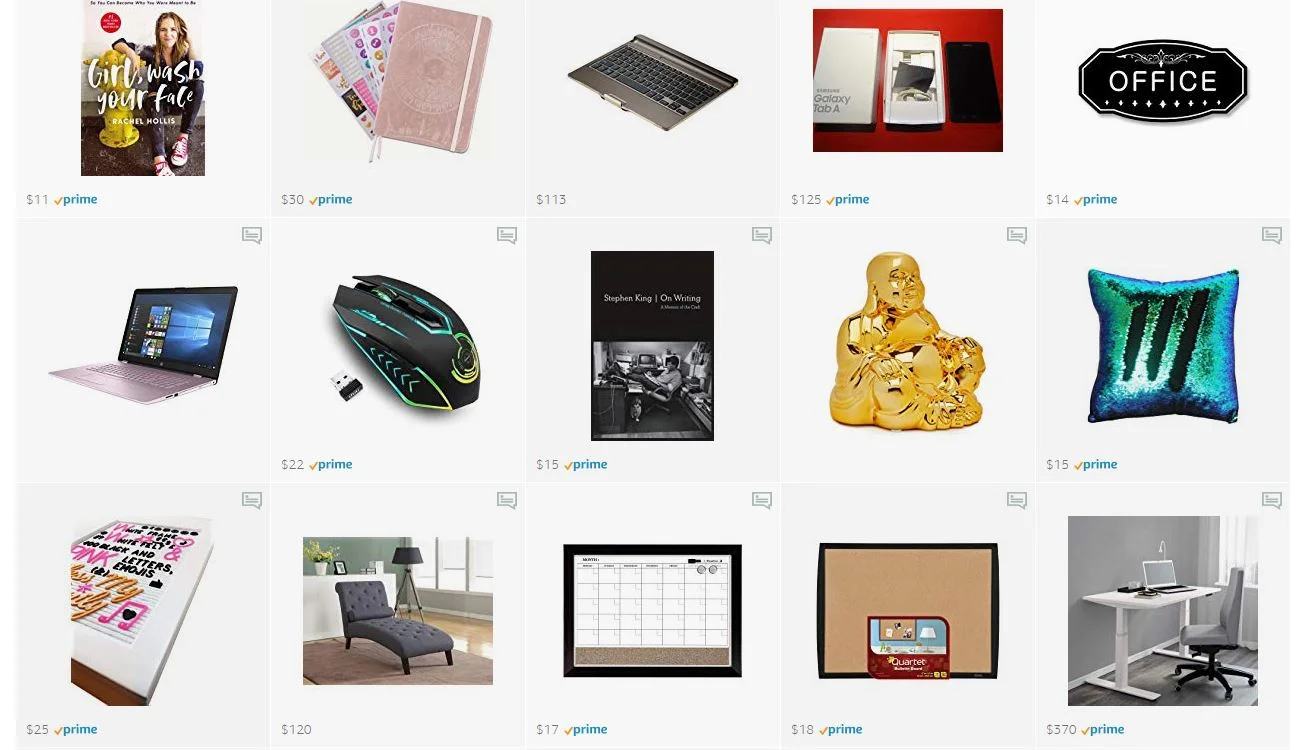
Yes, this is an affiliate link, but everything in my storefront is something I love and use as a writer. I also included little notes on each product to let you know which features I find particularly useful.
Plus, I added items that are super affordable and ones that are a little more luxurious so you can find the perfect gift that fits your budget.
Pro Tip: Don't be afraid to give a writer pens, markers and notebooks. Every writer I know is thrilled with this type of gift, even if they have dozens already!
Ready to check these gift ideas out? Here's the link:
Don't forget! A perfect gift for the freelance writer in your life, or yourself, is my book The Fluff-Free Freelance Writing Master Course Workbook.
How to Move from a Home Office to a Commercial Building

So, it’s come time to say goodbye to the home office. At least, it won’t be your central point of operations now because you’re moving up in the world! You’ve got yourself a commercial office space, likely because you need to scale up. But, any drastic move in business comes with its own risks. What are the road bumps that you would be better off avoiding?
Anticipate Those Overheads
One of the reasons that so many people start a business from home is because of the extremely low overheads involved in running the business. Now that you’re moving, you need to look over the finances of the business again.
Look beyond how you’re going to budget the initial move and any down payments or security funds. What are the costs you have to start considering? Don’t go into a new office without creating a financial plan for how you’ll handle the operating costs.

getting an office for your freelance business
Think About How You’ll Use that Space
A return on investment is what you’re looking to get from any property. In this case, the space has to allow for as much workplace productivity as possible. You and your team have to be able to do the work there that can make up for the costs and then some.
To that end, planning out your space can be one of the most effective steps.
How do you lay out desks?
Do you have zones appropriate for solo work and cooperation?
What resources will the team share and where is the most convenient place in the office for them all?
These are all questions you must consider.

Minimize Your Downtime
You’re going to need to plan some downtime while you move the setup from one business to the next. Planning for it is crucial, but so is making sure you minimize it as much as possible. Pair with commercial movers and find your furniture and tech suppliers well in advance. Make sure the dominoes are all ready to set up by moving day so that when it comes, everything moves as one. The sooner you get yourself set up, the sooner you’re back in business.

running a writing business
Know Your Responsibilities
Once you’re in an office, the responsibilities you deal with change somewhat. Most crucial is the health and safety of the work environment. But you might also be moving from remote freelancers working alongside you to more permanently situated employees, so know their rights and draft up a formal company policy to deal with them. You also have to consider employee morale and relationships from now on, forming a corporate culture that enhances their efforts.
Keep Everyone Updated
If your customers or clients don’t know how to reach you after you’ve moved, you obviously have a major problem. Publicly display the pertinent information on your website and social media. Go through your contacts list and update your most important clients.
There are others you need to inform when changing your business address, too. Don’t forget to keep it all above board by informing the postal service, the federal revenue service, and so on.
Some upheaval, some stress, and some unexpected costs should be anticipated. But so long as you avoid the major problems mentioned above, your move should get you into the next phase of business as quick as possible. Now, it’s about finding your next step upwards.
Four Essential Pieces Of Tech For Your Home Office
what you need for your home office
Working as a freelancer can be psychologically odd. When you have a nine to five job, you get up in the morning, get washed and dressed and commute to work. When you arrive at the office, you are subconsciously aware that you should now be working. Your brain will start perceiving things differently, concentrating and responding in different ways. If you're good at your job, this change will be advantageous and will allow you to prosper.
With freelancers, they get up, get washed and dressed (don’t let anyone tell you otherwise) and then go into the room where they work. They are still at home, the place where they relax, so getting into the mindset for work is sometimes more of a conscious process. This can be difficult sometimes. One way of dealing is separating your home into zones where you work and zones where you relax. Do not watch a movie in your office, for example, and do not do any work in the living room.
Another difference from people who go to work and have a boss is that freelancers have the most freedom when it comes to deciding what their work environment should be. No one is going to come by and tell them to take down whatever pictures they want to put up. It is their home after all.
One of the disadvantages of this, though, is that the freelancer has to procure all of their own office supplies. There is not a cupboard at the end of the hall that has everything that you could ever need. If you want it, you have to get it yourself. If you are thinking about working from home, here are four pieces of tech that you will need.
1. A Shredder
Just as freelancers don’t have abundant office supplies, they also do not have an entire legal team to help them out if they make a mistake. When working alone, you have to look out for yourself. To ensure your own financial and personal security, you should get a shredder. Check out papershredderpros.com. Shredders may not be that sexy but they could save you a lot of money in legal fees.
2. Office Chair
If you are going to be sitting at your desk all day, you need to pick out an office chair that is right for you. Your back only needs to be damaged once for it to be a problem for the rest of your life. The benefits of good furniture speak for themselves. I personally have a Serta Executive office chair because it is fully adjustable.
3. Hard Drive
Freelancers also do not have their own IT departments. It is, therefore, apropos to get a backup hard drive. There is nothing more frustrating than working all day only to have it all wiped out.
4. Video Conferencing Gear
The wonders of the internet never seem to cease. Near instantaneous video conferencing is now taken for granted in modern business. So as not to be left behind, check out https://www.logitech.com/en-gb/. You want to make sure that you can be seen and heard perfectly.

freelancing
Note: This post contains affiliate links.
Make a Quick Change to Your Home Office with Wrapping Paper
You may remember my office makeover from quite a while back. Since then, things have gotten worn and I just needed a change. I found a couple rolls of really pretty wrapping paper at Hobby Lobby and thought, "Why not?" First, I cut pieces that would cover my two desks. The tops were worn and stained and I didn't feel like painting them.
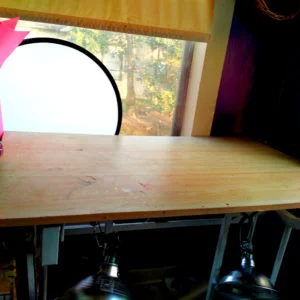
craft desk
I sprayed the desks down with spray adhesive and smoothed the wrapping paper down.
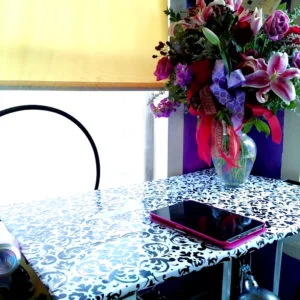
craft desk makeover
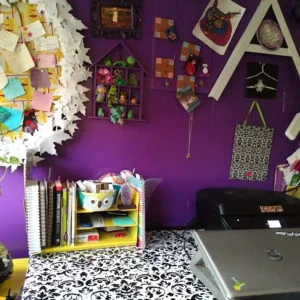
freelance writer office
You're probably thinking, "But that won't be durable!" I've found that if you do this with a thick paper with a glossy finish, spills wipe up easily. Besides, if the paper starts looking too bad, I can just rip it off, toss it in the recycling and start over. For around $6 a roll, it's no problem.
I then went on to freshen up my filing cabinets in the same way. I stripped off the cloth from the drawers.
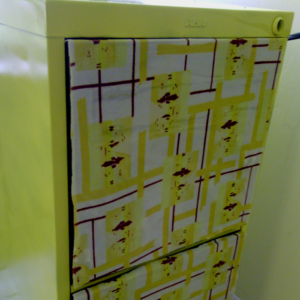
how to refinish a filing cabinet
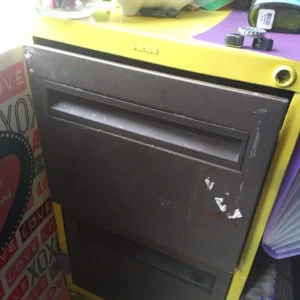
Filing cabinet redo
Then, I sprayed the drawer fronts with spray adhesive and stuck a piece of wrapping paper to them.
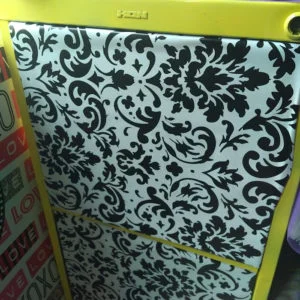
refinishing a filing cabinet for office
I trimmed each drawer with a craft knife and I was done!
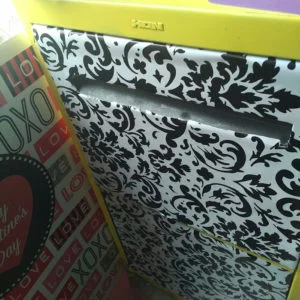
finished filing cabinet makeover
So much better than how these cabinets looked when I rescued them. Here's a reminder:
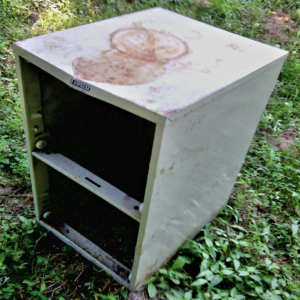
rusty filing cabinet upcycle
Are You As Productive As You Could Be At Home?
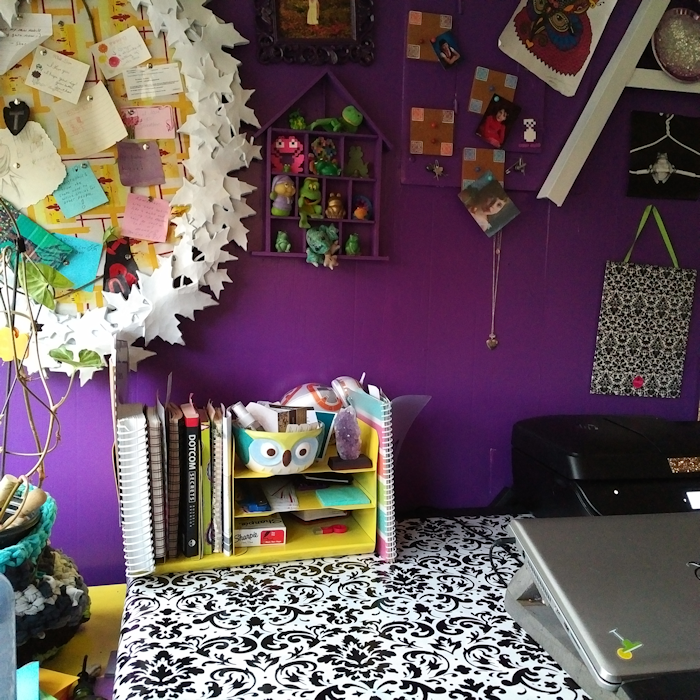
home office
Do you work from home? If so, are you as productive as you could be? If you have an office or a studio at home, here are tips and tricks to help you get more out of your working day.
Problems with your workspace
When you work at an office, you have a dedicated area. You sit at your desk, switch your computer on, and you’re ready and raring to. If you’re having a meeting, you can pop into a spare room, which is equipped with everything you need. When you’re at home, the setup may be a little different.
If you’ve only just started working from home, you may not have had time to finish off your office yet. Even if you’ve been based at home for a while, you may still be finding your feet. When your home doubles up as a workspace, it’s essential to separate work and play. Don’t try and run the world from your kitchen table. You’ll find it hard to concentrate, there will be papers everywhere, and you may lose track of what needs doing on a daily basis. Trust me. I know!
Once you’ve got a workspace sorted, turn it into a room in which you want to spend time. Add an element of excitement or fun if you have a creative job, and personalize it. Just because you’re working doesn’t mean you want to stare at four blank walls all day, every day. Make sure you have enough space, invest in the equipment you need, and ensure that you’re comfortable.
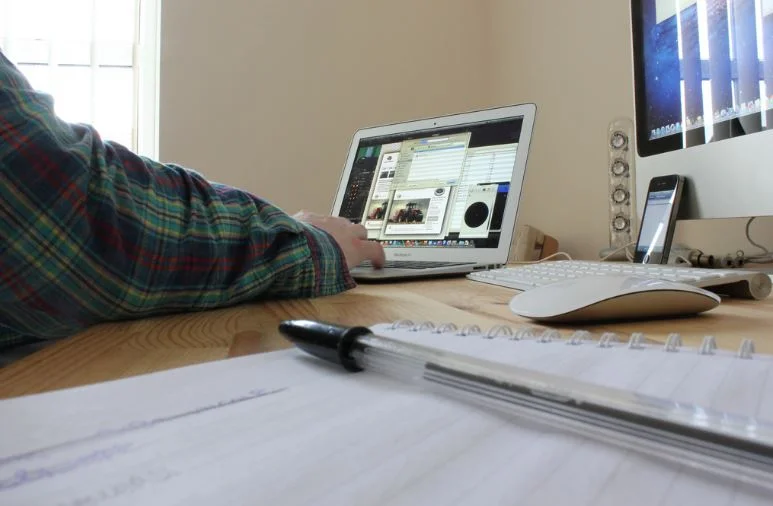
how to work from home
Ironing out annoyances
It can be hard enough to concentrate when you’re working from home without any additional annoyances or distractions. If there are problems that are bothering you, try and iron them as soon as possible. Is your office too hot or cold? Are you struggling to get comfortable when you’re typing? Is the room too noisy? If you’ve got HVAC issues, get in touch with a company like Academy Air. If you need a new chair, have a look at office furniture online or visit a showroom and try some different styles out. If you’re struggling to concentrate over road noise, consider soundproofing the room or wearing earplugs while you work. It’s important that you’re comfortable so that you can focus on your work.
Establishing a routine that works for you
Routine is imperative when you work from home, but there is no universal regime that suits everyone. Play to your strengths. If you’re a morning person, tackle the most demanding tasks first thing. If you take a while to warm up, start your working day at 9 am rather than 6 am, and finish later. This is what I do. I am NOT an early morning person!
Write to-do lists, keep your filing tray organized, and manage your time using a diary. I've started using bullet journaling to keep organized and keep track of my goals. Here's my Pinterest board for bullet journaling, if you need ideas.

freelancing
If you work from home, this doesn’t mean that your day is an easy ride. Working at home can often be more taxing than going into an office because you have to contend with the temptation of home comforts. If you are based at home, take these tips on board to make your working day more productive in no time.
Note: This post contains affiliate links.

Keeping It Clean! Getting People To Pull Their Weight In The Office
If you move away from your home and decide to rent an office for your business, there are always a lot of things you’ll realise. One of the things you are likely to notice is that people are messy. Not everyone will put the coffee lid back, or wash their spoons… and often working in a space with a bunch of messy people can be irritating. To ensure that the office stays clean and hygienic, here are some of the things you can do to make sure everyone plays their part this year.
Make A Rota

An office cleaning rota can be the best idea you have ever had for your business, and when it comes to making sure things stay clean all week long, there is nothing more motivating than a rota where everyone has to pitch in. You can choose a different person each day to take 10 minutes at the end of the day to clean up dirty dishes and make sure the space is bleached. This will allow you to keep on top of the mess and it will lessen the risk of illness spreading through the office.
Set Out Time
If you always seem to struggle with keeping your desk tidy and clean throughout the year, the easiest way to ensure that you do is to schedule 10-15 minutes each week for the whole office to clean their desk and throw away any paper they no longer need. It is a small amount of time relatively out of the week and it can make a massive difference to the organisation as well as the productivity of the office.
Organise The Office
If you want people to keep their stuff clean and tidy, you need to put some effort into making the office more organised for them! This can include having in and out trays for projects, having a place for mail to be delivered to, and it can also include colour coding finance, marketing and project files for easy access when people need it. Little things like this can make a big difference and they can make the process of keeping the office clean much easier.
Hire Cleaners
Cleaners can be the best thing you bring into your office and they will make the process of keeping it clean much easier. Often office cleaning services will do tasks such as vacuuming, mopping cleaning the windows and bathrooms, but they may not touch the kitchen, which is why you will still need to have a rota for this. With less work to do, your employees should have no problem maintaining the office.
Provide Supplies
The easiest way to ensure that people pull their weight and clean up their own mess in the office is to provide cleaning supplies in the office. This will include things like disinfectant wipes, bleach, gloves, sponges and a multi purpose cleaner. Having all of these things in the office means that people have no excuse when they have spilt something or made a mess!
What are Your Goals for 2016?
Have you thought about your goals for 2016? All month I've been contemplating my goals, which is hard because 2015 has been wildly successful. It's hard to make new goals when you've already met so many. Here are some things I accomplished in 2016:
Articles I have written have gotten thousands of shares
One of my articles has garnered over 400,000 page views in one month
I helped one of my clients get over 1 million page views in one month
I worked with several new high-profile clients this year, including CNET and MTV
My new goals focus on boosting creativity in new ways. I'm going to get away from the office more and try new things. I'm also going to go to the gym more often to boost my think juices.
Planning 2016
Every year before New Year's Eve I start my planning on two different calendars. On a large wall calendar I post family events and some of my larger work plans. On a notebook style calendar I plan out my more detailed work plans, day by day. I've found this system pretty helpful.
I also like to make my calendars pretty. Here's a page:
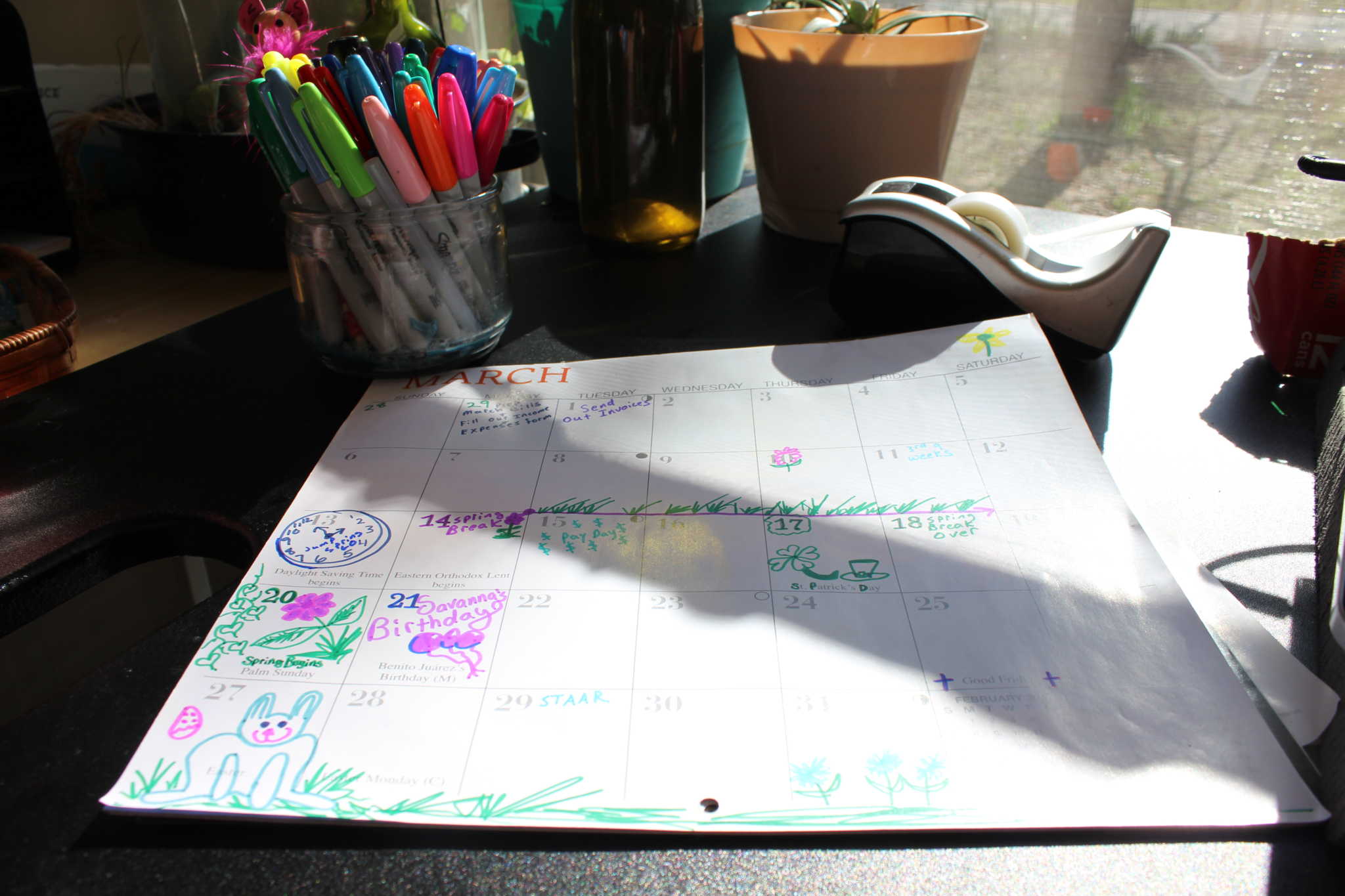
Planning for 2016
Beyond getting my calendars started, I like to make a New Year's list instead of a New Year's Resolution. It's simply a list of everything I want to accomplish in the new year. I write this list in the notes section of my planner so that I can refer to it throughout the year.
All of the things that I accomplished in 2015? They were all on my list last January. This year's list is a long one because I have a lot of things I want to accomplish in my business and home life this year.
So, let me ask you:
What are you planning for 2016 and how do you plan for it?
A Tour of My Office: How to Keep Your Desk and Office a Happy Place
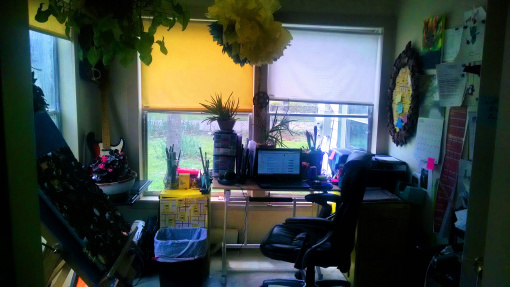
My office
Instead of the usual What to Read this Week, I thought I'd go off-topic. I'm pretty sure that most of you who follow my blog have a desk and spend most of your weekdays there. Me too. Over the past couple of decades, I've found ways to make my desk and office a happy place to work. Here is a tour of my office to give you some inspiration.
Me too.
Over the past couple of decades, I've found ways to make my desk and office a happy place to work. Here is a tour of my office to give you some inspiration.
Build Your Own Little Forest
Plants are the very first thing I added to my office decor. Currently, I have an arrowhead plant, two aloe veras, a pineapple tree and a fibrous begonia. They add color and life to my office.
In a Forbes article, Burton Ways, a an interior designer, color therapist, and authorsaid: “Integrating plants in the work environment not only beautifies the environment but has been proven to reduce absenteeism, reduce stress, lower blood pressure, increase positive feelings, lower noise levels, decrease room temperature and lower humidity." I guess I am on the right track with this whole forest in my office thing. Here are my little office babies:
I guess I am on the right track with this whole forest in my office thing. Here are my little office babies:

Okay, so my pineapple tree isn't that big yet...
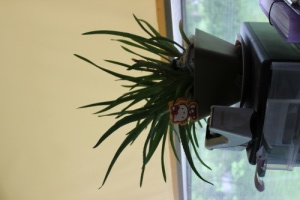
My aloe decorated with a feather, a china dome, a My Little Kitty clip and a crystal frog.

My arrowhead plant, which I've had since I was a teen.

This aloe vera is decorated with all kinds of stuff. It's like my little office Christmas tree.

I love the happy pink flowers on my fiberous begonia.
Bright Colors
There's nothing like bright colors to wake you up in the morning. My office is decorated in touches of cobalt blue and sunny yellow.
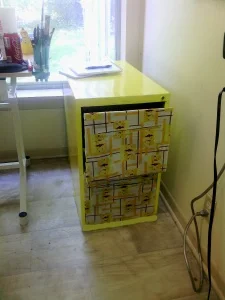
I repainted my filing cabinets so that they weren't ugly.

I have happy blue and yellow pom pom things hanging from the ceiling.
Keep Fun Things On Your Desk
I always have a few fun things on my desk at all times. One item is a vintage Timex watch that I like to play with when I'm trying to come up with an idea for an article.
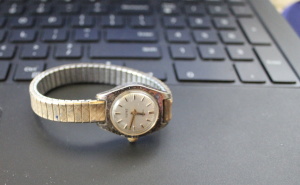
My vintage Timex watch.
I also have some beauty stuff like lip gloss and fragrance spray on my desk because...well, just because.
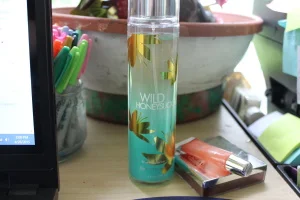
beauty products
Inspiration Wall
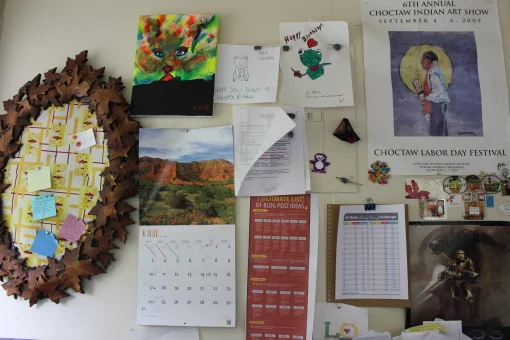
In my line of work, it is important not to run out of ideas. I have a whole wall of inspiration beside my desk. It has blog post ideas, notes, photos, paintings, posters...
inspiration wall
Enjoy Your Visitors
The best way to keep your office a happy place is to welcome visitors. My office, which is a sunroom built onto my home, has a regular parade of small humans coming and going.

My youngest daughter making a visit to my office.
My Office Makeover: Paper Pom-Poms DIY

how to make pompoms
Bright and cheery decor!I am a Pinterest addict. I recently saw a pin for tissue paper pom-poms and I pinned it right away. I'm redecorating my office (here is the before and after I redid my filing cabinets) and thought, why not?
You can follow Toni's pom-pom instructions on her site, but the way I did it differs just a bit because I used two colors of tissue paper to match my color scheme. The whole project cost under $10, but made a big impact.
Here's how I did it:
Take four sheets of tissue paper and lay them on your work surface.
Accordion fold the sheets like you would to make a paper fan when you were a kid. If you never made paper fans as a kid, check out the how-to video, below. The first few seconds will show you all you need to know.
Next, tie the center of the accordion with a piece of string. Make sure to cinch the string really tight.
Cut the ends of the accordion into points.
Repeat step 1-4 with a different color of tissue paper, then tie the two accordions together at their middles.
Gently pull each piece of tissue paper out from the others until the whole thing looks like a ball.
Tie a ribbon to the center of the ball where it is cinched with string and tack to the ceiling with a silver upholstery tack.
What do you think? I love them! They add so much color to my boring office. :)
My Office Makeover: Chic, Retro Restyled Filing Cabinets
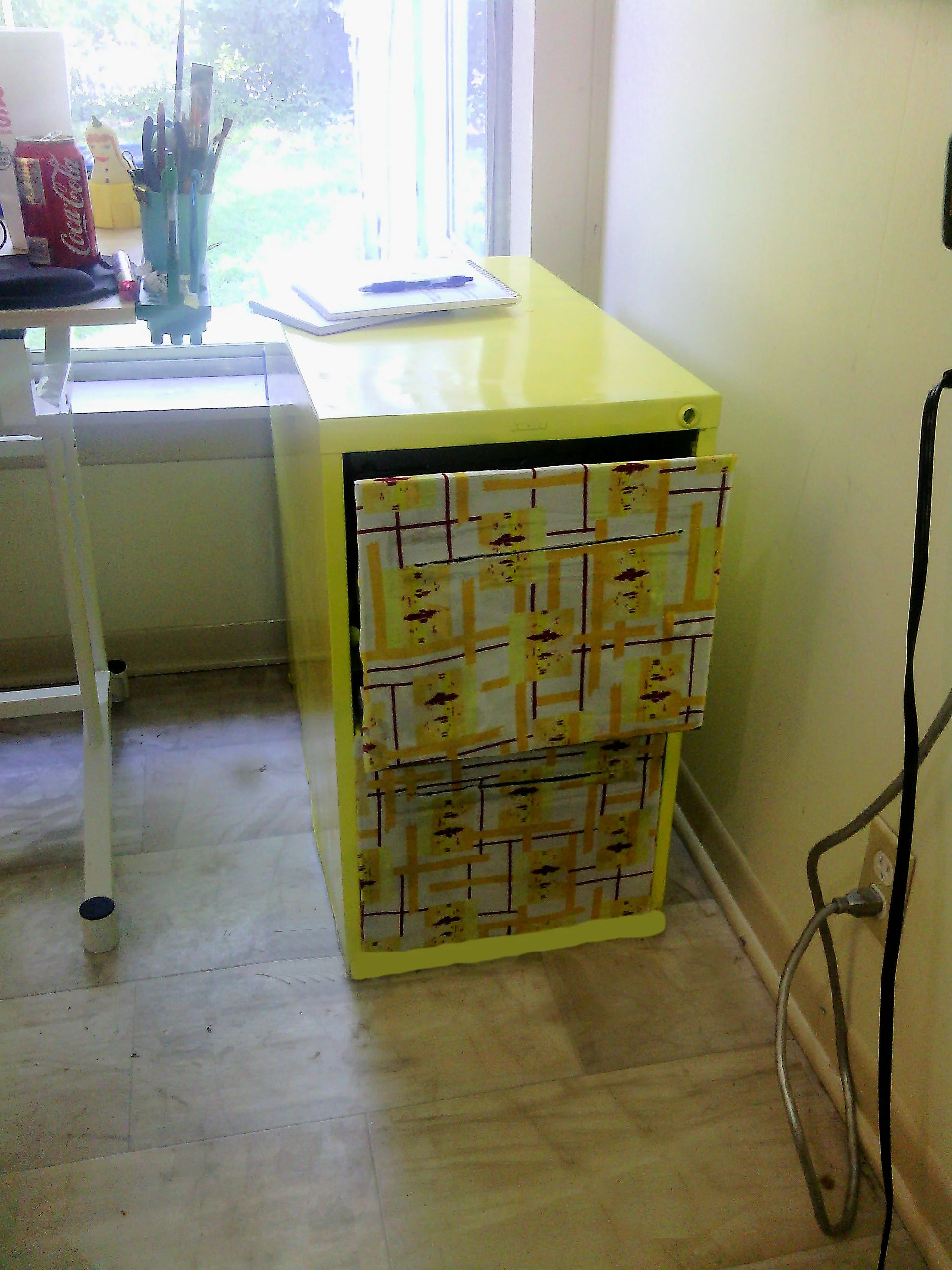
Yesterday, I told you that I was redecorating my office and will be posting the results throughout the month (Click here to see the before photos). Today, I am going to show you my first project. My office contains two rusty filing cabinets that I decided to restyle in a funk, retro way.
I've seen other projects where people have restyled filing cabinets with paper and paint. Well, I did mine with paint and vintage fabric I got for free on Freecycle.
My office decor colors are a perky yellow and a cobalt blue. So, I painted the cabinets with Rustoleum Sunny Yellow, as you can see.
I gathered my tools which included wax paper to protect my work surface, Elmer's School Glue, fabric scissors, a paper plate to pure my glue into and a paper plate cut into a wedge to smooth the glue with.
Next, I covered the drawer fronts in my vintage print fabric. I started by covering cutting the fabric to the size of the drawer front. Then, I covered the fabric in white craft glue and let it dry.
Then, I smeared glue all over the surface of the drawer front and stuck the fabric panel to the drawer. I let it dry completely, then I trimmed the excess fabric from the edges of the drawer and cut a slit so the drawer handle would be accessible.